Review: DJI Mini 5 Pro Drone
Published 5 October 2026 by MPB
The DJI Mini 5 Pro is one of the most comprehensive travel drones on the market. It's compact and stable, with a 1-inch CMOS sensor that produces images with a quality that's difficult to match in a drone of this size. If you've used previous models in the Mini range, the Mini 5 Pro will feel like a noticeable upgrade. It'll make your photos and videos better, especially if you're shooting in low light.
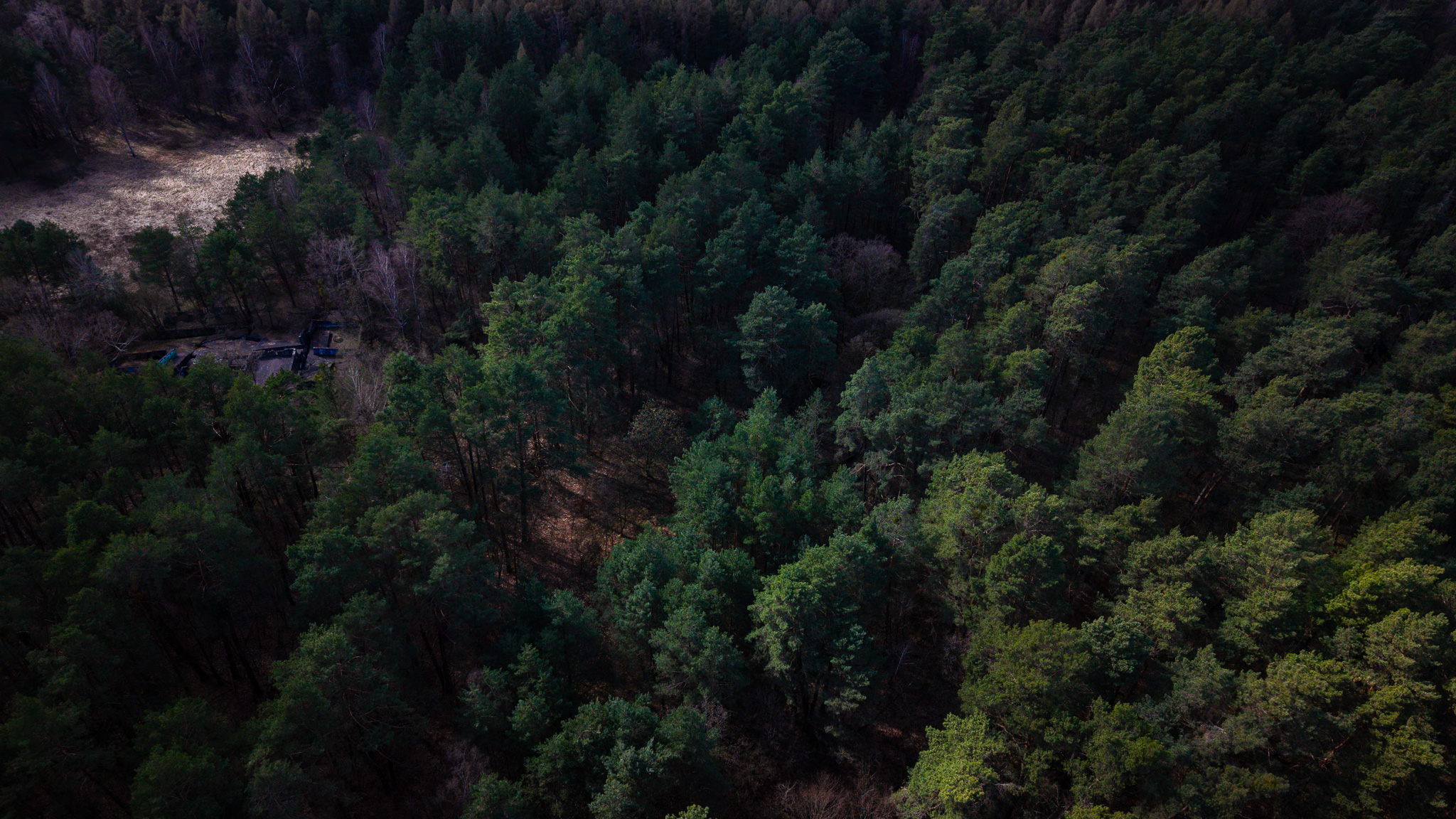
Craig Chapman | DJI Mini 5 Pro | 24.0 mm | 1/160 s | f/1.8
Key specs
Before we go into the full review, it’s useful to consider what matters when choosing a drone. You’ll want it to be lightweight, with high-quality photo and video capabilities, reliable obstacle detection and long battery life.
Sensor | 1-inch CMOS |
Resolution | 50 megapixels |
Lens | 24mm equivalent |
Max aperture | f/1.8 |
Photo formats | JPEG and RAW |
Max image | 8192x6144 |
Max Video | 4K 120p |
HDR video | Yes, HLC |
Log profile | D-Log M |
Gimbal | 3-axis mechanical |
Weight, g | 250 |
EU drone class | C0 |
Flight time, mins | 42 GB |
Wind resistance | 12mps |
Obstacle sensing | Omnidirectional, LiDAR |
Internal storage | 42GB |
Wireless transfer | Wi-Fi 6, 100MBps |
Pros
Excellent image quality for a compact drone
1-inch sensor, 50-megapixel photos
Very good low-light performance
D-Log M and RAW give great flexibility in post-production
Highly effective stabilisation
Useful 2x digital crop for more cinematic framing
Controller with integrated screen that improves workflow
42GB internal memory
True portability for travel or on-location work
Cons
Bulky casing
Obstacle detection has limitations
QuickShots require some skill
Price is not budget-friendly
Can't shoot 6K or 8K
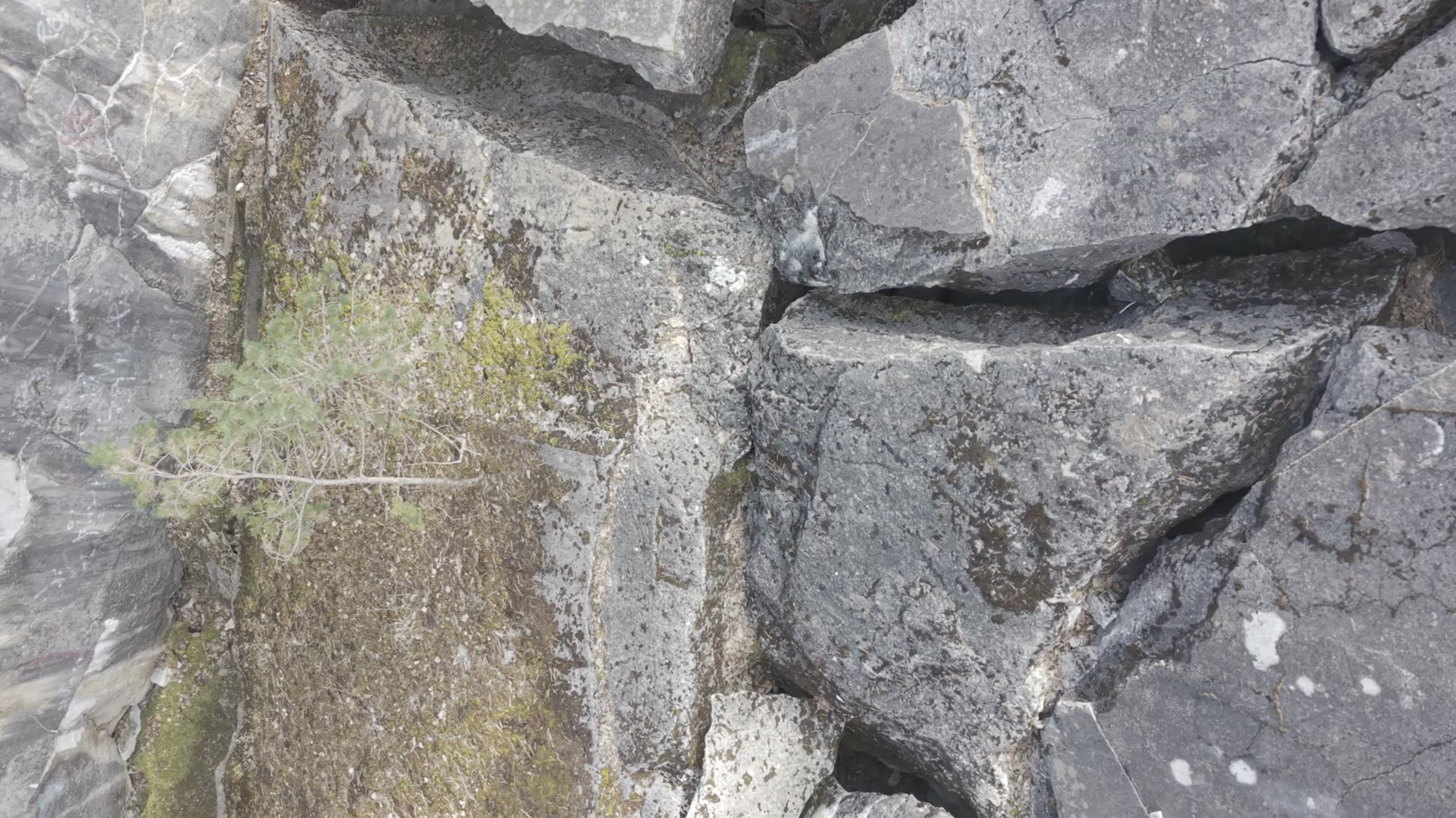
Still frame from video captured with the DJI Mini 5 Pro
The Mini 5 Pro has three elements that are fairly essential for filmmaking from a high-above-ground perspective: perspective, movement and image quality. An aerial viewpoint will reveal lines, patterns and a sense of scale in ordinary locations that just isn't possible from the ground.
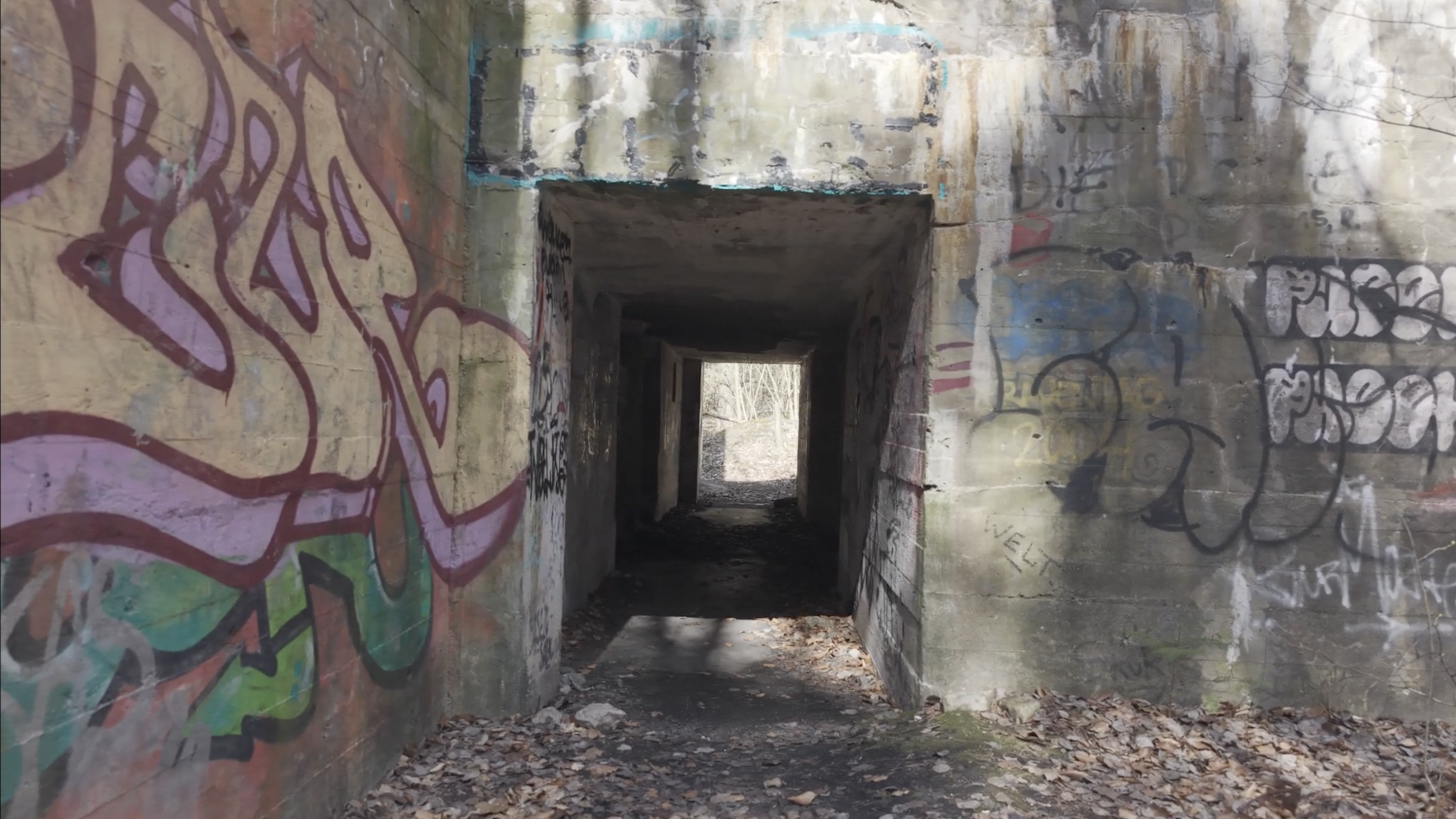
Still frame from video captured with the DJI Mini 5 Pro
First impressions
The first thing you'll notice about the DJI Mini 5 Pro is its stability. Even in strong winds, it remained stable in the air, so we felt confident during piloting. We also found that this allowed us to use slower shutter speeds when shooting stills, which was a plus.
Craig Chapman, who has used a DJI Mini 2 for years, noticed the difference in models on his first flight with the Mini 5 Pro. The larger sensor, better low-light performance and 50-megapixel files make it a significant upgrade from the intermediate models in the Mini range (e.g. DJI Mini 2 or DJI Mini 4 Pro).
Design, portability and performance
Despite appearing slightly larger, the DJI Mini 5 Pro still weighs less than 250g. It's a compact drone that's quick to set up and easy to transport anywhere. Its weight and portability are among the main reasons to choose a DJI Mini series drone. During our outing, we were able to get it out of its backpack and airborne in about 30 seconds, which is obviously a significant advantage when changing locations, chasing light or trying to catch the last minutes of a sunset.
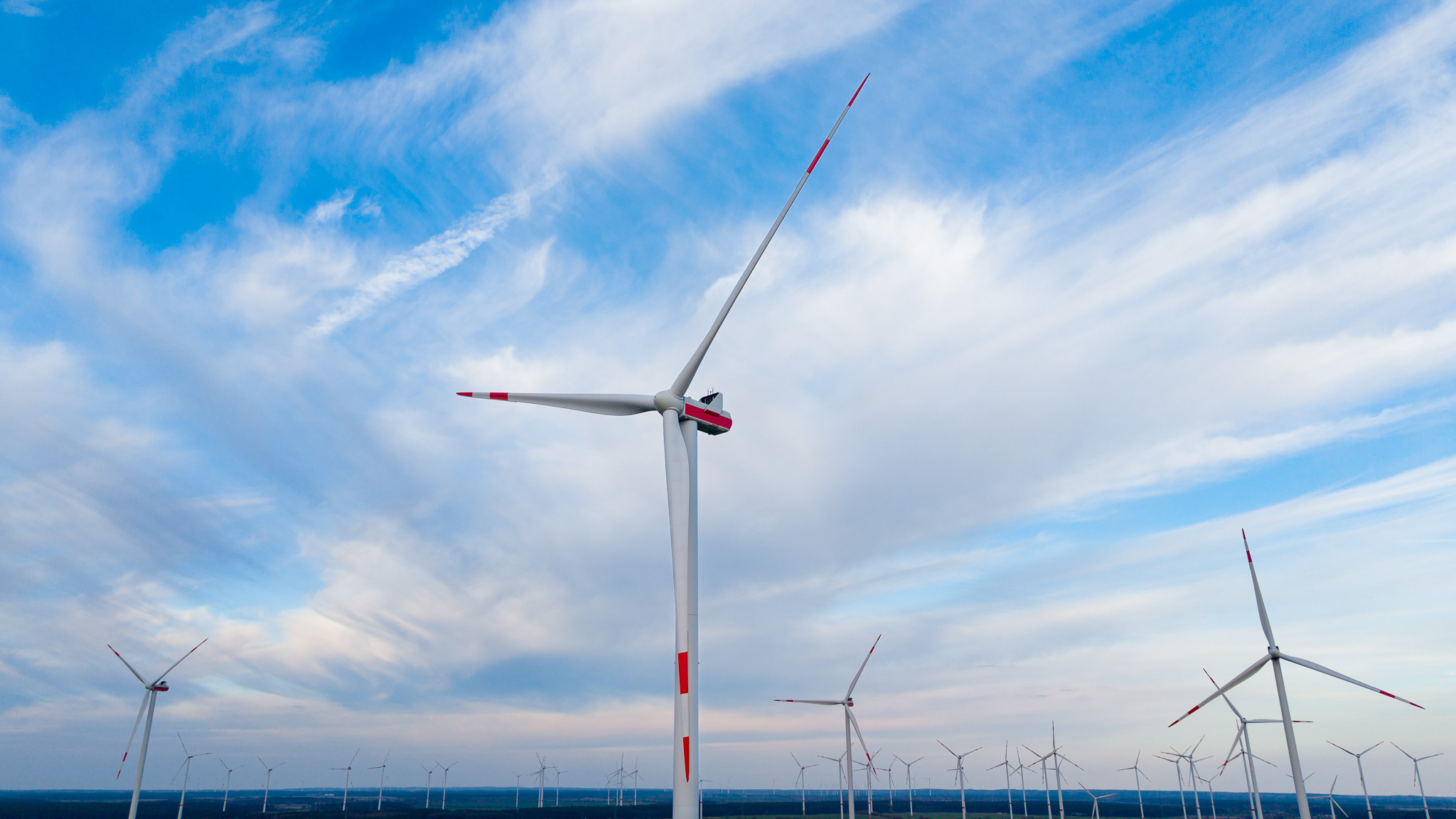
Craig Chapman | DJI Mini 5 Pro | 8.67 mm | 1/640s | f/1.8
The drone's controllers, with integrated high-brightness Full HD screens and long-lasting batteries, made reviewing the DJI Mini 5 Pro a breeze. Why? Because the controllers are “all-in-one” systems, meaning you don't need your smartphone around for it to fly. This'll help keep your phone's battery from draining (important if you're filming in a remote location), and speed up the setup process. You'll also be thankful for those bright screens if you're out on a sunny day.
There are other small details that help speed up the workflow, such as buttons to quickly switch between horizontal and top-down views or between landscape and portrait modes. These details make it easier to shoot native vertical 4K content for Reels, TikTok or YouTube Shorts.
During filming, we learned how quick and convenient it is to transfer data from the DJI Mini 5 Pro, as well as how useful its internal storage can be. It serves as a handy backup when your microSD card is full, or if you accidentally leave it at home.
In-flight performance
Craig said the DJI Mini 5 Pro felt “rock solid” during testing. It took just a few seconds to get it in the air, and from the moment it lifted off, it felt responsive and easy to control. Even in unpredictable weather, it stayed stable in open spaces. DJI claims the Mini 5 Pro can handle winds of up to 12 m/s, and our testing backed that up.
Craig Chapman | DJI Mini 5 Pro | 8.67mm | 1/640s | f/1.8
The flight time of the DJI Mini 5 Pro will depend on conditions like temperature, wind and how you're using its camera. DJI claims that the Mini 5 Pro can stay in the air for up to 36 minutes. In reality, Craig and the team were getting nearer 30 minutes per flight, which is all you need if you're using the drone for commercial shoots or creative filming.
Shutter speed has a huge impact on how your footage looks. If you set it too high, 1/1000s or even 1/8000s, for example, each frame becomes extremely sharp, making movement appear choppy and unnatural. The DJI Mini 5 Pro's manual exposure controls come in really handy here. Being able to manually adjust the shutter speed lets you introduce natural motion blur, giving your footage a cinematic look.
To achieve more natural-looking motion, many videographers follow the 180-degree shutter rule. The rule is that when you shoot at 25fps, for example, a shutter speed of around 1/50s will create the subtle motion blur that you'll be used to seeing in films and television.
There is a catch here, though. On very bright days, a shutter speed of 1/50s will let too much light into the drone's sensor. When that happens, images become overexposed. Since the DJI Mini 5 Pro's aperture is fixed at f/1.8, you can't 'close' the aperture to reduce the amount of light that comes in. This is where you'll need an ND filter, which is a drone accessory that acts like sunglasses for the lens. It will reduce the amount of light entering the sensor without requiring a dramatic increase in shutter speed.
Safety, obstacles and landing
The DJI Mini 5 Pro comes with 360° omnidirectional obstacle detection, which adds an extra layer of confidence when flying. It works well in open areas, reliably spotting larger obstacles like walls and poles. That said, it isn't foolproof. In wooded areas, especially during winter or early spring, thin, bare branches can be difficult for the sensors to pick up, so you'll still need to fly with caution. We had a few hairy instances shooting in the Bunker Koralle.
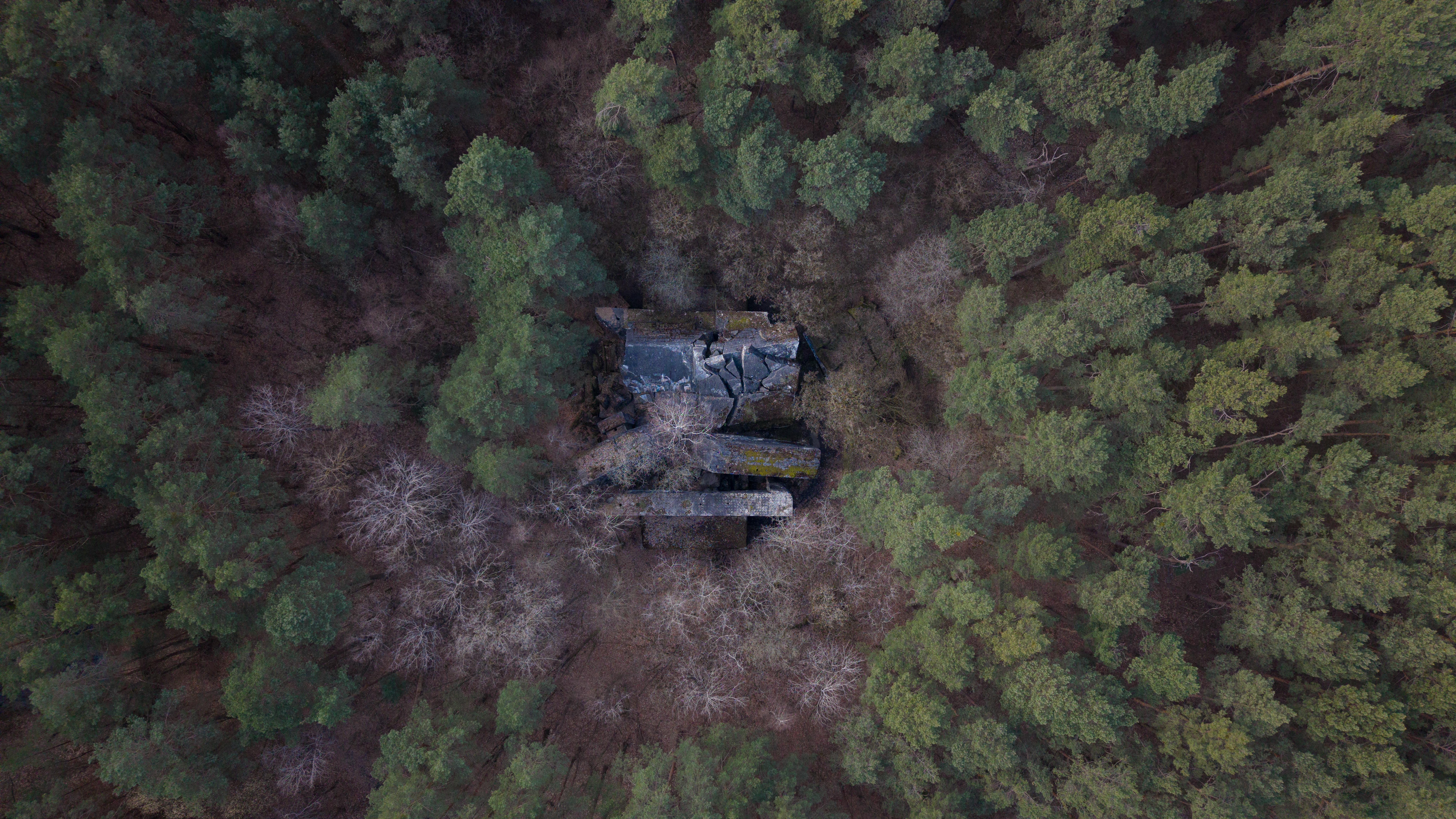
Craig Chapman | DJI Mini 5 Pro | 8.67 mm | 1/40s | f/1.8
During testing, we noticed the front and rear sensors behaving a little differently. Flying through an entrance tunnel was straightforward, but trying to reverse out was surprisingly difficult. Instead, we simply turned the drone around and flew it back towards us, so we'd suggest doing that if you have any issues.
The obstacle detection system also tended to err on the side of caution. At times, the drone could sense either Joel or Craig in its path and refuse to move forward. Obviously, this is great for avoiding accidents, but there were times when we felt it hindered our creative process.
We also found that after landing, the drone would request a propeller check before allowing us to take off again. Again, another sensible safety precaution, but it sometimes felt a bit excessive.
Intelligent features
The DJI Mini 5 Pro’s intelligent features are designed to make capturing more dynamic footage simple. You'll need to understand them to get the most out of them, so let's dig in:
ActiveTrack 360°
The ActiveTrack 360° system has been improved, which we'd say is one of the DJI Mini 5 Pro's most exciting features. The system tracks people, bikes and other moving subjects smoothly and predictably. The drone can now recognise sports scenes and automatically select the most suitable tracking mode, such as "Cycling" or "Standard", to keep your subject perfectly framed.
QuickShots and automatic modes
The QuickShots function allows you to create intense automatic movements, such as orbits or fly-aways around your subject. These functions work well, especially when used with a 2x digital crop and the drone positioned slightly farther away. It results in a tighter frame, more background movement and a cinematic effect.
In its automated flight modes, though, the drone will prioritise tracking your subject, which then consequently makes it less effective at spotting obstacles to the side or around its flight path. We experienced this firsthand during a QuickShot at Bunker Koralle, when the drone clipped a tree. Thankfully, the DJI Mini 5 Pro came away undamaged, but it was a useful reminder that these modes are best used in open spaces where there's plenty of room for error.
Cinematic mode
Cinematic mode is best for more delicate flights. By reducing speed and smoothing out the drone's movements, you'll achieve more control in confined spaces. In locations like Bunker Koralle, which is full of trees, structures and narrow paths, this slower pace helped us compose a shot more accurately and reduced the risk of collisions with obstacles.
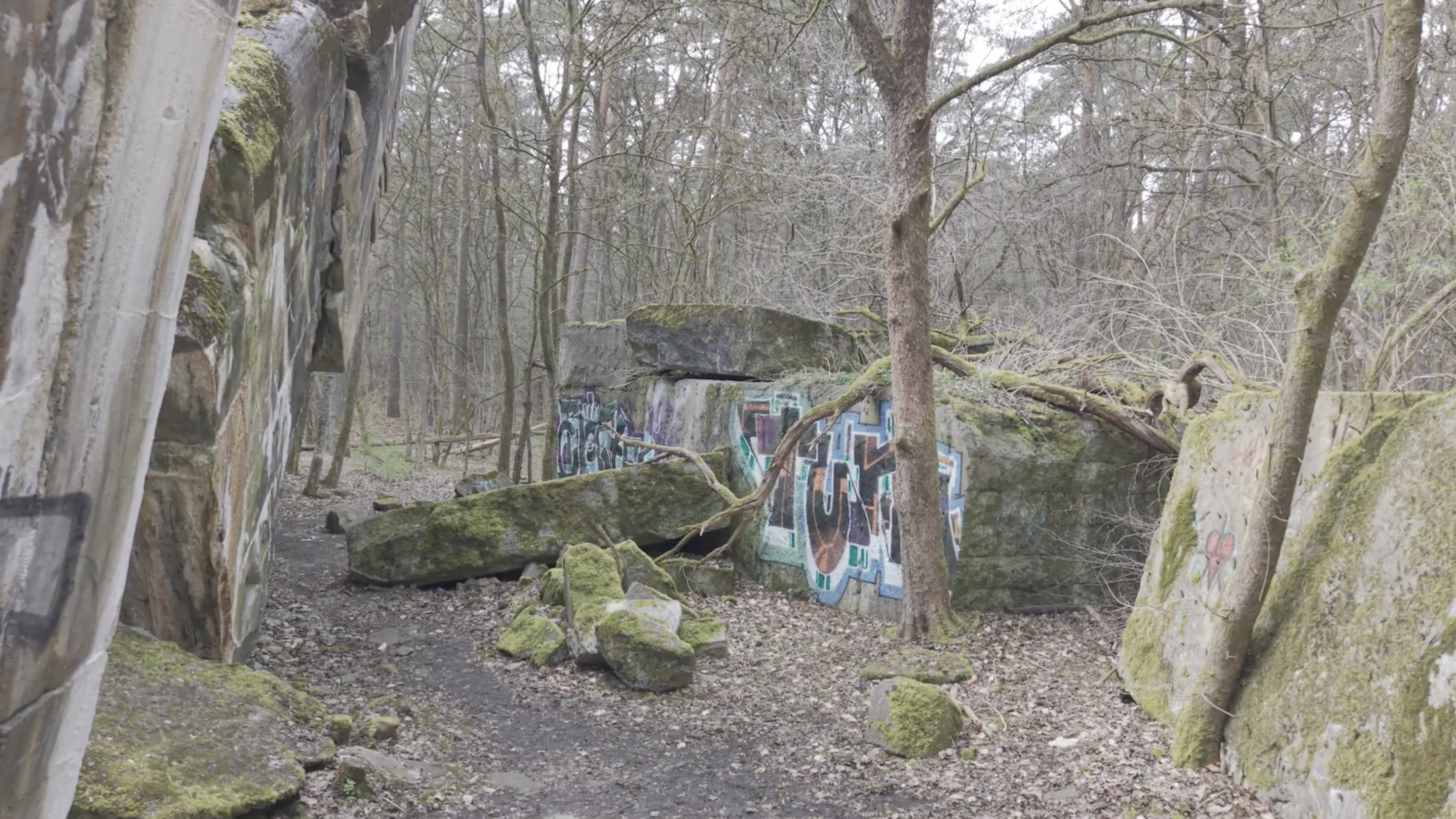
Still frame from video captured with the DJI Mini 5 Pro
Image quality
If we had to choose one feature that impressed us most, it'd be the camera. The combination of a 1-inch CMOS sensor, 50-megapixel resolution and a bright f/1.8 lens produces detailed RAW files with editing headroom. We found that we could recover shadow and highlight detail, adjust colours and refine contrast in Lightroom just fine, so it's a great option if you're an avid photo editor.
When lighting started to get challenging towards the end of shoot day, the Mini 5 Pro managed to capture sharp images without relying on higher ISO settings. We got some clean shots of landscapes at twilight, illuminated roads and low-light industrial environments that weren't noisy.
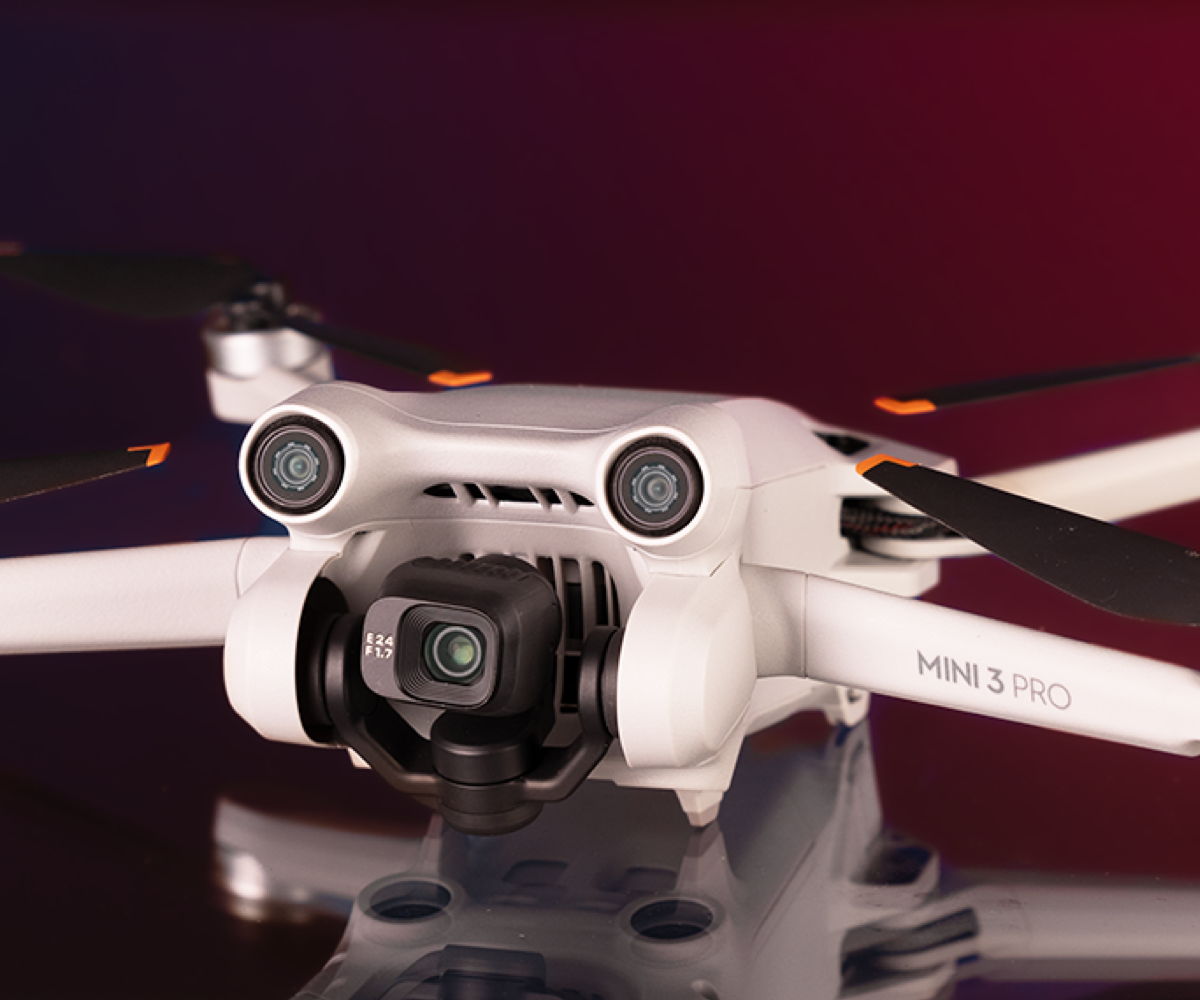
Used DJI Mini 3 Pro
Video, colour profiles and framing
If you like to colour grade your footage, the DJI Mini 5 Pro's D-Log M profile is well worth using. It gives you much more flexibility in post-production, making it easier to fine-tune colours, adjust contrast and create the specific look you're after.
It gave us much more freedom in post-production. Instead of being locked into the camera's default look, we could start with a flatter, more neutral image and shape the final result ourselves. That flexibility is ideal for travel content, bringing out the warm tones of a sunset or adding contrast to urban and industrial scenes.
Creative flexibility goes beyond colour, too. The gimbal's 225° range of motion opens up more framing options, so you can experiment with different angles and switch between horizontal and vertical shooting. If you create content for multiple platforms, it'll mean less cropping and no compromises during editing.
You can also make use of the Mini 5 Pro's 2x digital crop option. It lets you frame subjects more tightly without having to move the drone closer, making it easier to emphasise a subject while still keeping the wider scene in view.
DJI Mini 5 Pro flight rules
Before you buy the DJI Mini 5 Pro, make sure you're familiar with the UK Civil Aviation Authority's (CAA) Drone Code. The drone has a built-in camera, so you'll need to register with the CAA and obtain the appropriate IDs before flying. You should keep the drone below 120 metres (400ft), avoid flying over crowds and check for any local restrictions or Flight Restriction Zones (FRZs) before taking off. Apps like Drone Assist can help you identify where it's safe and legal to fly.
DJI Mini 5 Pro vs. previous models
If you've got one of the earlier DJI Mini models and you're wondering whether it's worth upgrading, the Mini 5 Pro's camera makes the strongest case. Compared to a Mini 2 or Mini 3, the improvement in image quality is significant, thanks to its larger 1-inch sensor. This, plus longer battery life and a smoother overall workflow, makes the Mini 5 Pro a worthwhile upgrade for anyone who flies regularly. If you're a DJI Mini 4 Pro user, though, the decision is less clear-cut. We'd recommend upgrading only if you're feeling limited by detail or by the lack of file flexibility.
DJI Mini 5 Pro vs. Mini 4 Pro
We've put together a comparative summary to help you understand the main differences between DJI's two latest models.
Key specs
DJI Mini 5 Pro | DJI Mini 4 Pro | |
Camera sensor | 1-inch CMOS | 1.3-inch CMOS |
Megapixels | 50 | 48 |
Maximum video | 4K 120p | 4K 100p |
HDR video | Yes, HLG | Yes, HLC |
Log profile | D-Log M | D-Log M |
Gimbal | Flexible 225° rotation | Native vertical shooting |
Weight | 250g | 249g |
EU drone class | C0 | C0 |
Flight time | 36 mins | 34 mins |
Wind resistance | 12mps | 10.7mps |
Obstacle sensing | Omnidirectional, LiDAR | Omnidirectional |
Internal storage | 42GB | 2GB |
Transmission system | DJI O4+ | DJI O4 |
Is the DJI Mini 5 Pro for me?
The DJI Mini 5 Pro is best suited to people who already have some experience with drone photography or filmmaking and know what they want to get out of it. It's an easy recommendation if you're currently flying a DJI Mini 2 or Mini 3 and you're looking to step up your drone content.
If you've never flown a drone before, we'd recommend a cheaper, older model to build your confidence before you invest.
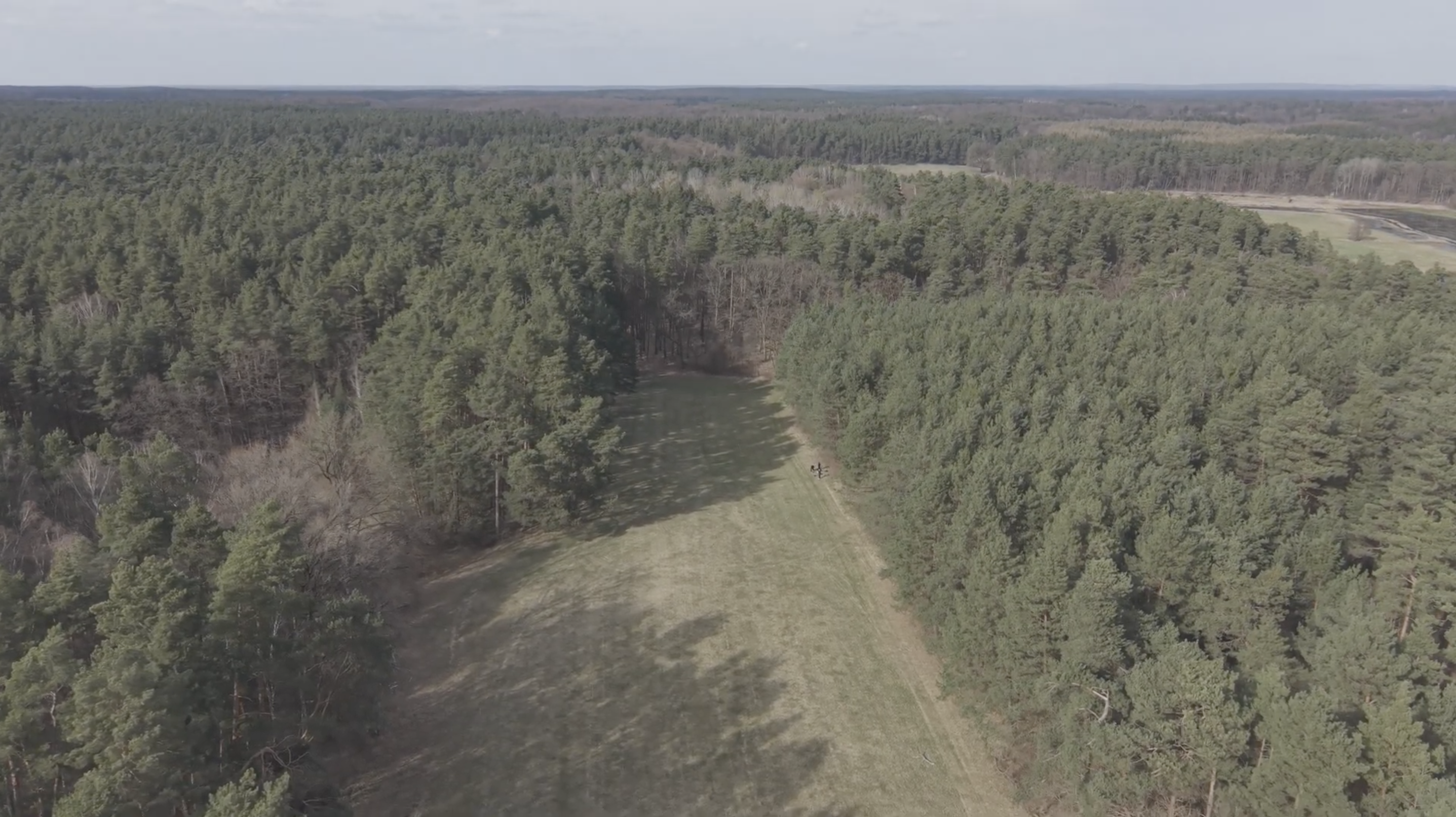
Still frame from video captured with the DJI Mini 5 Pro
Our time with the DJI Mini 5 Pro proved that it's the perfect companion if you want to create professional-looking photos without travelling halfway around the world. The drone gives you all the tools you need if you're an experienced drone user, but as with any drone, it's your creativity, planning and eye for great composition that will ultimately make the difference.
Sample images
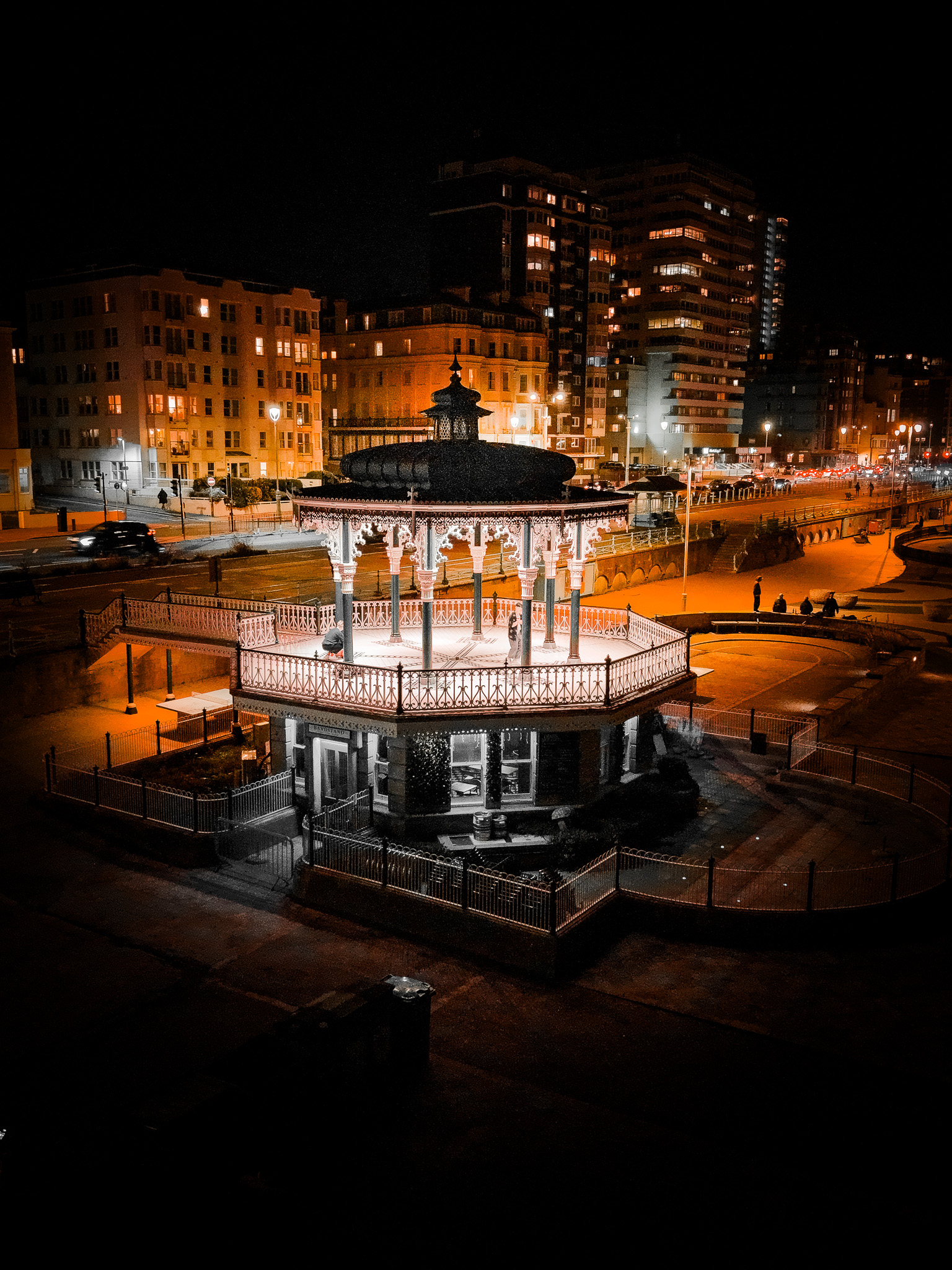
Craig Chapman | DJI Mini 5 Pro | 8.67 mm | 1/30s | f/1.8
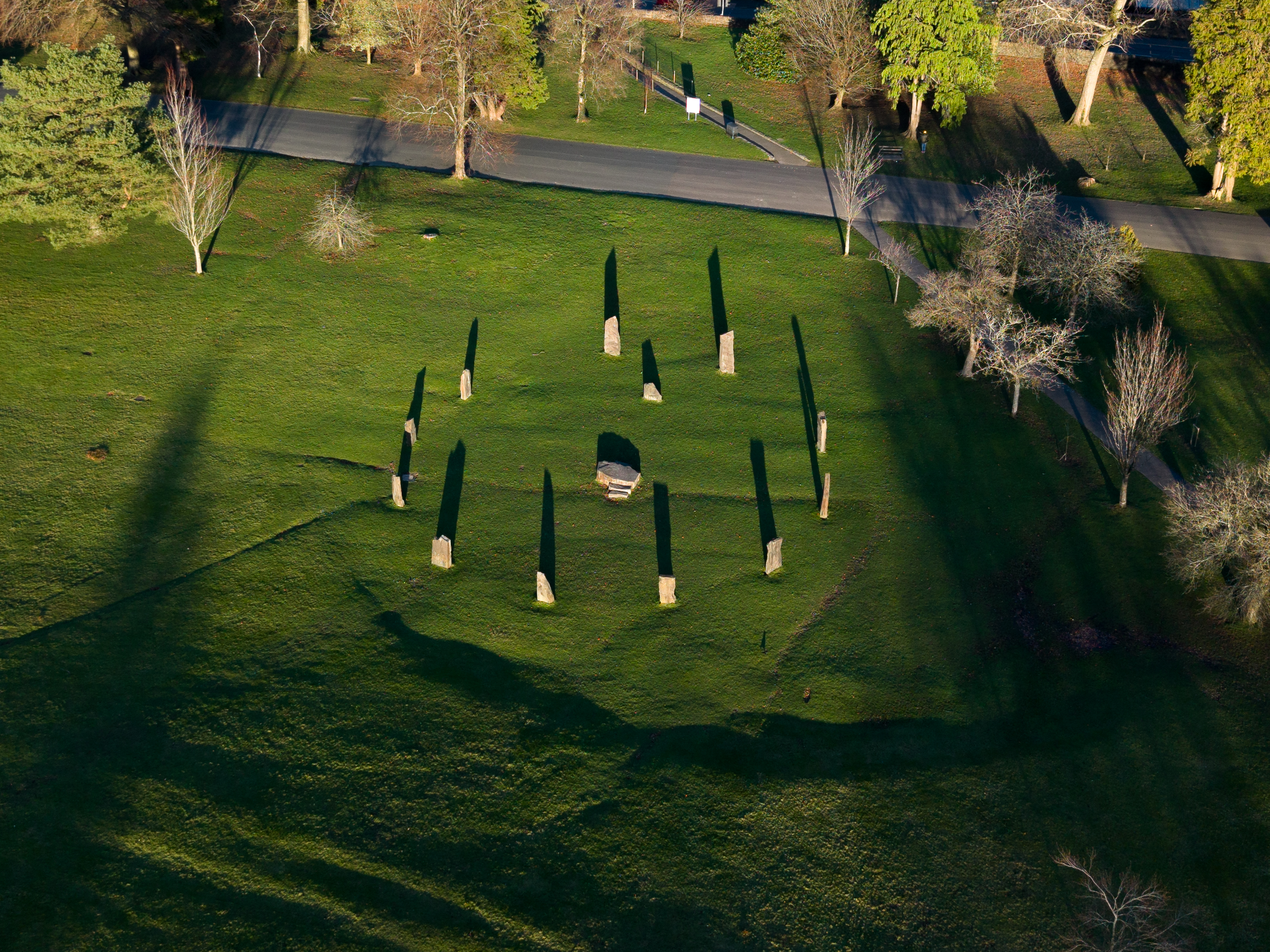
Craig Chapman | DJI Mini 5 Pro | 8,67 mm | 1/80 s | f/1.8
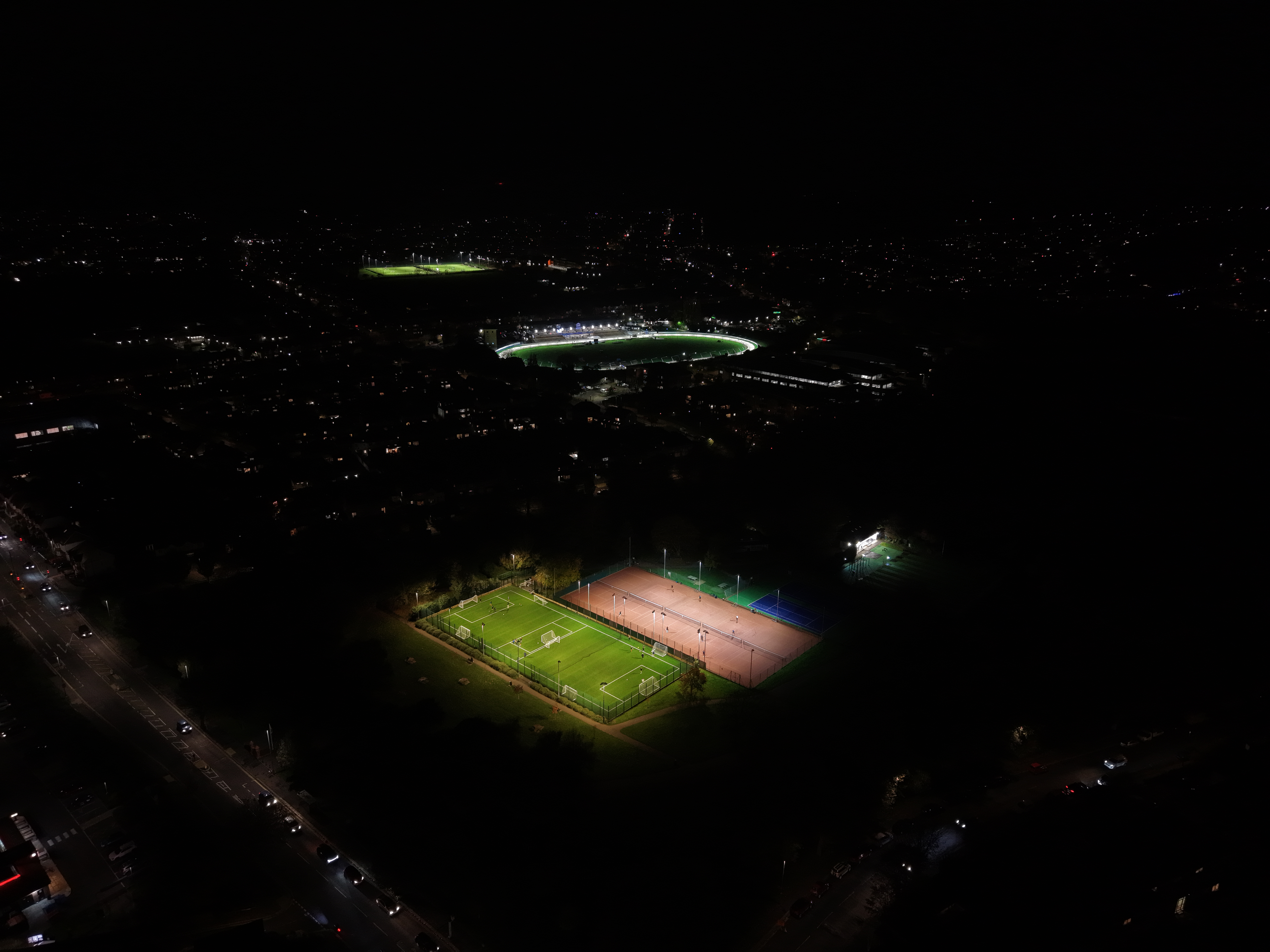
Craig Chapman | DJI Mini 5 Pro | 8.67 mm | 1/30s | f/1.8
Craig Chapman | DJI Mini 5 Pro | 8.67 mm | 1/200s | f/1.8
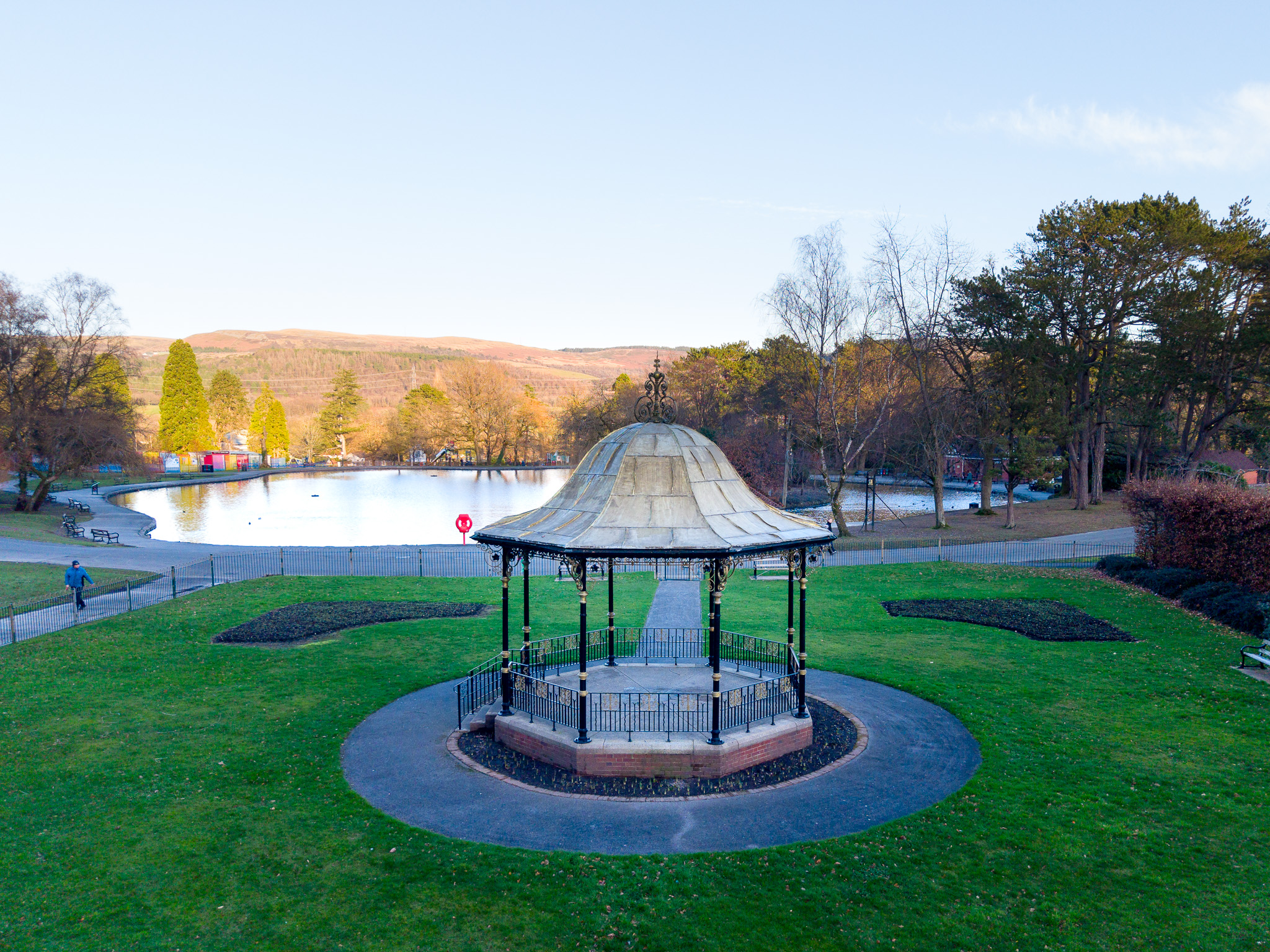
Craig Chapman | DJI Mini 5 Pro | 8.67 mm | 1/500s | f/1.8
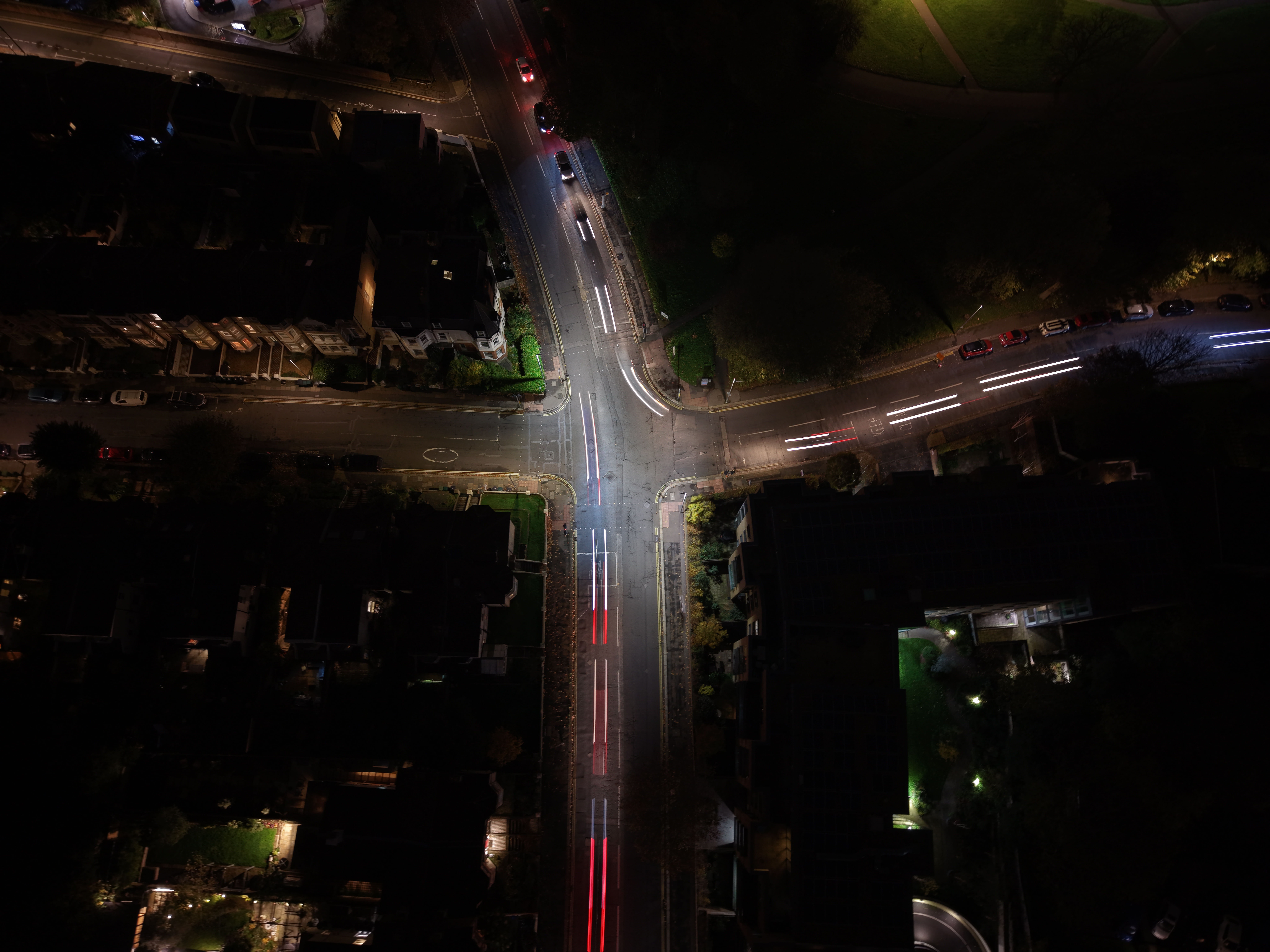
Craig Chapman | DJI Mini 5 Pro | 8.67 mm | 1/60s | f/1.8
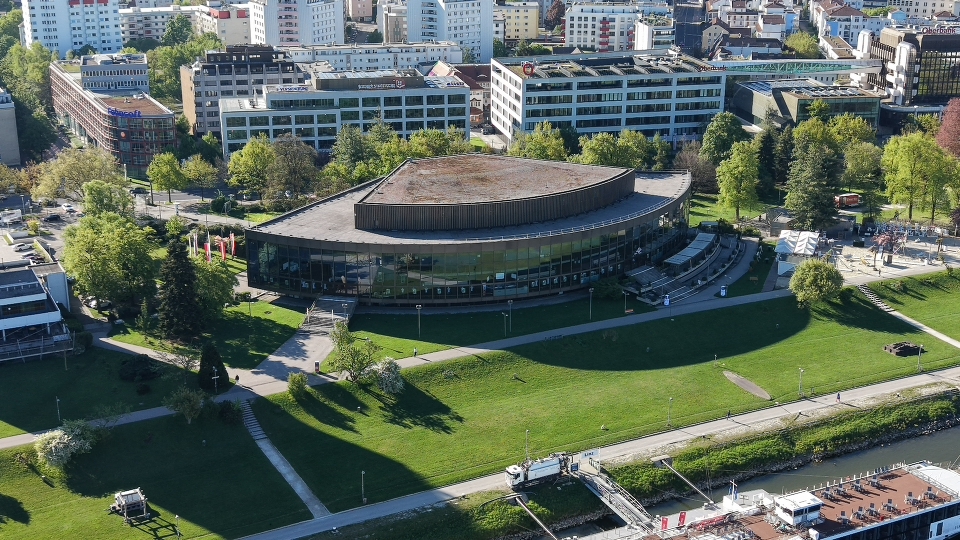
Craig Chapman | DJI Mini 5 Pro | 8.67 mm | 1/20s | f/1.8
FAQs
Is the DJI Mini 5 Pro drone recommended for travel content?
The DJI Mini 5 Pro is made for creating travel content. Its portable, ergonomic design, comfortable weight and image quality make this drone a perfect choice for creating content on the go.
Is it worth upgrading to the DJI Mini 5 Pro?
If you're already using a DJI Mini 2 or DJI Mini 3 Pro, we would recommend upgrading to the DJI Mini 5 Pro. If you're a DJI Mini 4 Pro user, it depends on your budget and whether you need higher image quality.
Is the DJI Mini 5 Pro a good choice for shooting video?
The DJI Mini 5 Pro is a great companion for shooting video. The drone's stabilisation, D-Log M and 4K quality make it an excellent choice for semi-professional video content creators.
Will I need to buy ND filters?
We'd recommend buying ND filters if you're buying the DJI Mini 5 Pro. In bright light, you can keep the shutter speed slower to capture more natural movement in video.
Is the DJI Mini 5 Pro recommended for beginners?
The DJI Mini 5 Pro may be easy to fly, but it's not necessarily the most logical choice for drone newbies. A more affordable, second-hand DJI Mini model could be a better option for learning.
Does the DJI Mini 5 Pro perform well in strong winds?
The DJI Mini 5 Pro has a maximum wind resistance of 12 m/s. During tests at Bunker Koralle, it proved very stable in moderate wind conditions.
What was the release date of the DJI Mini 5 Pro?
The DJI Mini 5 Pro was released on 17 September 2025.
Read more camera gear guides on the MPB content hub.
You can sell or trade your camera kit to MPB. Get a free instant quote, free insured shipping to MPB, and get paid within days.