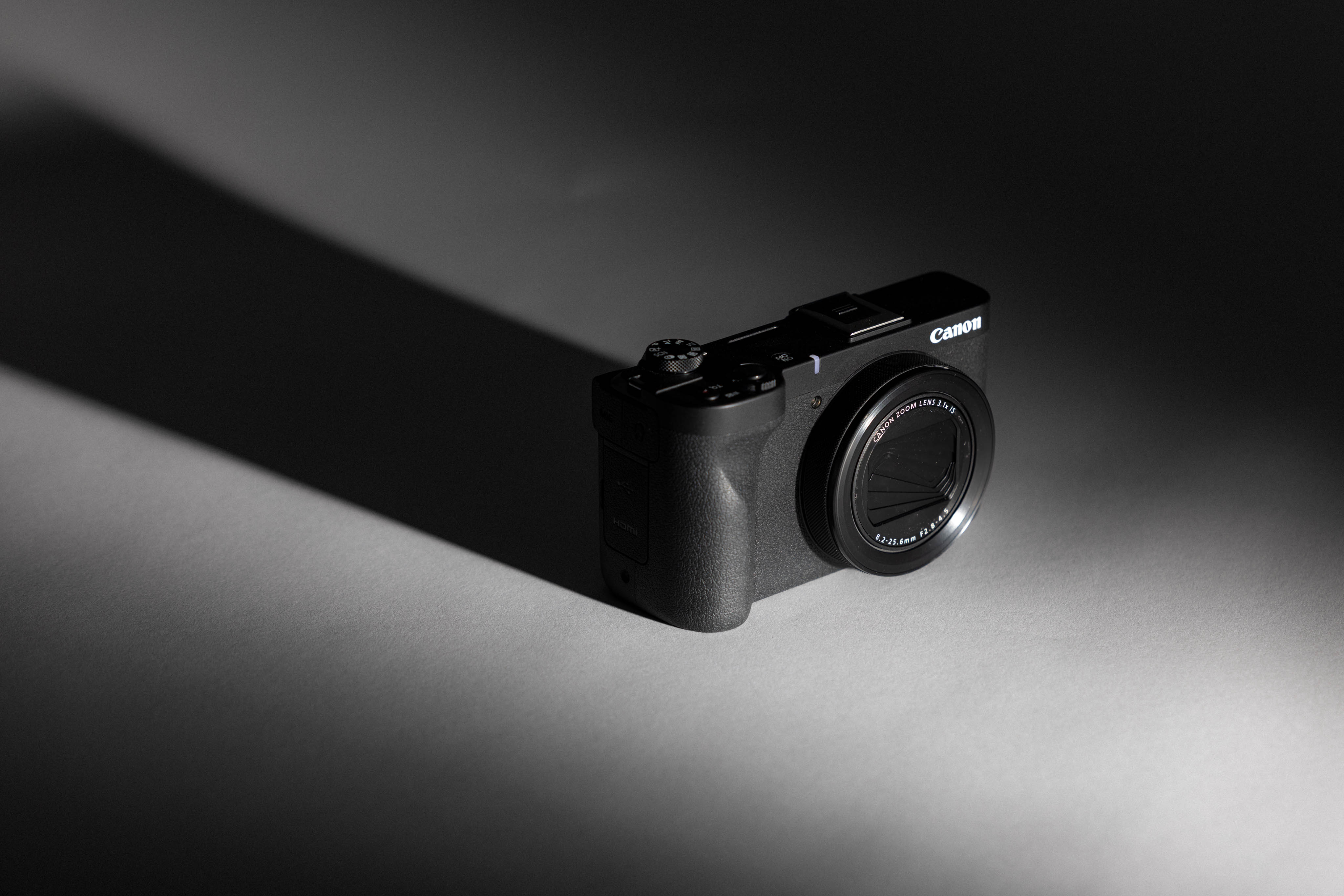
Review: Canon Powershot V1 - Top Tier Vlogging Camera
Published 17 August 2026 by MPB
Canon launched the first PowerShot model in the 90s as the company’s first foray into the digital compact camera market for the general public. Fast forward three decades to April 2025, and in comes the Canon PowerShot V1. Canon’s latest compact camera, this video-first PowerShot, is aimed squarely at travel creators, vloggers, and hybrid shooters who want better quality than a smartphone without carrying a full mirrorless setup.
The V stands for vlogging, and vlogging we will do in this review. Read on to see what Kristi Townsend thought about this pocketable video dynamo and its performance on a trip to Scotland. She explores how this camera’s stabilisation handled uneven terrain and shaky hands, how the autofocus picked up moving subjects, and all the thoughtful design features on this little camera.
https://youtu.be/iyejbpeDXPg?si=hHvY9WdSf4BZ-ovZ?rel=0Canon PowerShot V1 Key Specs
Sensor | 1.4-inch CMOS sensor |
Megapixels | 22.3 |
Weight (Grams) | 426 |
Autofocus Points | 3431 |
Stabilisation | Optical IS, Movie Digital IS, Subject Tracking IS |
ISO | 100-32000 |
Flash | No built-in, hot shoe only |
Maximum video resolution | 3840×2160 (4K UHD) |
Maximum Video Frame Rate (FPS) | 120 |
Storage type | SD / SDHC / SDXC |
Viewfinder | None |
LCD Size | 3 Inches |
Year of release | 2025 |
Used Canon PowerShot V1
Pros
Lightweight and compact at just 426 g (15 oz)
Large 1.4-inch sensor for a compact camera
Excellent video features, including Canon Log 3
Built-in ND filters for outdoor video shooting
Cooling fan prevents overheating during long shoots
Fully articulating screen and front tally light for solo creators
Cons
No viewfinder
Limited zoom range compared to other premium compact cameras
No built-in flash
Not weather-sealed
Used Canon PowerShot V1
I’ve been lucky enough to visit some stunning places over the years, but I always find myself forgetting what I did during trips once I return from them. I’ll take a million miscellaneous images, but forget what made me laugh so hard I cried. Because of this, I’ve wanted to make a conscious effort to shoot more video. Not necessarily cinematic, overproduced video, just honest clips that I can look back on years from now.
The problem is convenience. If a camera is bulky, complicated, or draws too much attention, I’ll never reach for it and capture video clips. But I also want a dedicated camera option so I’m more intentional about the video I’m recording. I don’t need another random vertical iPhone video to clog up my phone storage.
With all that in mind, when I found out we’d be adventuring through the Scottish Highlands, I immediately reached for the recently released Canon PowerShot V1.
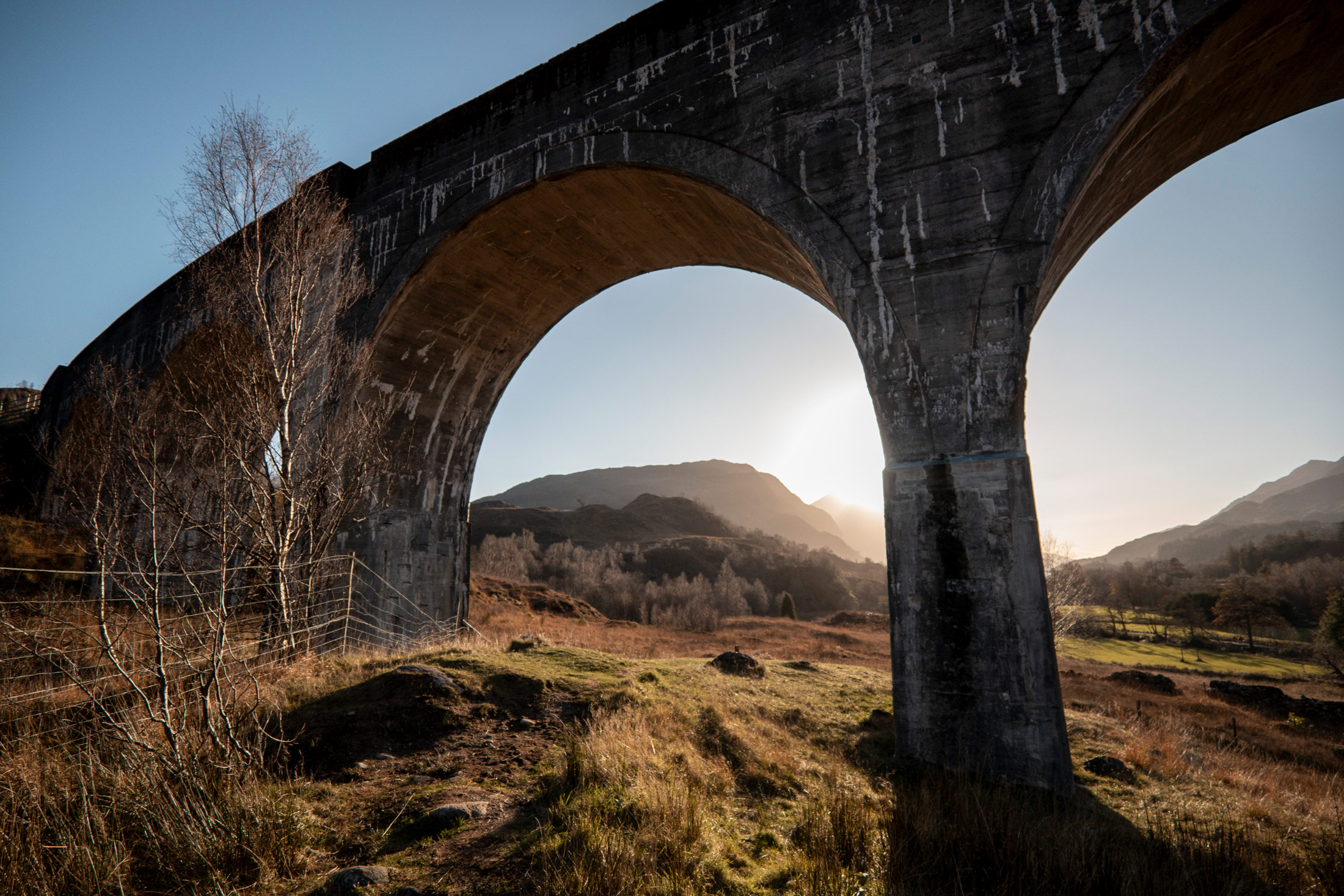
Kristi Townsend | Canon PowerShot V1 | f/2.8 | 1/2000 | ISO 160
Quick Verdict
I found the V1 to be an excellent, portable choice, just what I wanted in a simple-to-use vlogging camera. Its 22.3-megapixel 1.4-inch CMOS sensor offers significantly better low-light performance, dynamic range, and flexibility with both video and stills than the typical 1-inch sensors found in many other compact cameras.
The built-in lens covers a 16–50mm equivalent focal range, starting very wide at 16mm, which I found ideal for handheld vlogging and travel footage. Robust video capabilities, like its optical image stabilisation, proved useful in cold conditions with shaky hands. Considering the value you get for the price, I don’t think you can go wrong with the V1.
Used Canon PowerShot V1
Design and Handling
From a design perspective, the Canon V1 is immediately approachable. The first time I turned it on, I was shooting within seconds. The lens is built in, no need to buy extra camera lenses, and it gives you a variable aperture ranging from f/2.8 to f/4.5 depending on the focal length you’re shooting with. While some might complain about the aperture ranges, I found them to be perfectly respectable and was able to achieve the right effect for everything I captured during our trip.
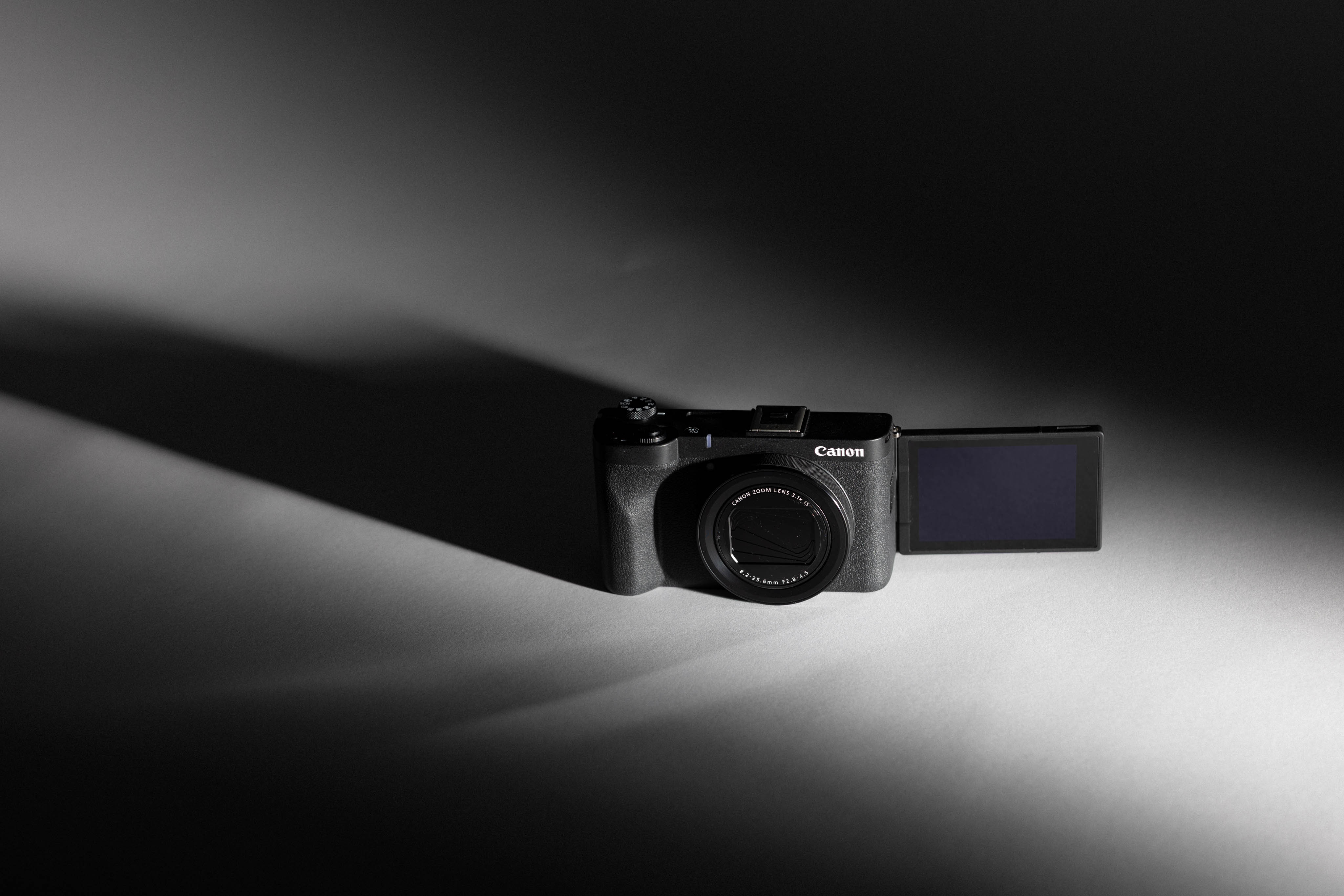
The fully articulating screen is excellent for video and vlogging, and I love being able to flip it inward when the camera isn’t in use. There is also a front tally light that lights up red when you’re actively recording, which sounds minor but is genuinely useful when filming solo in selfie style.
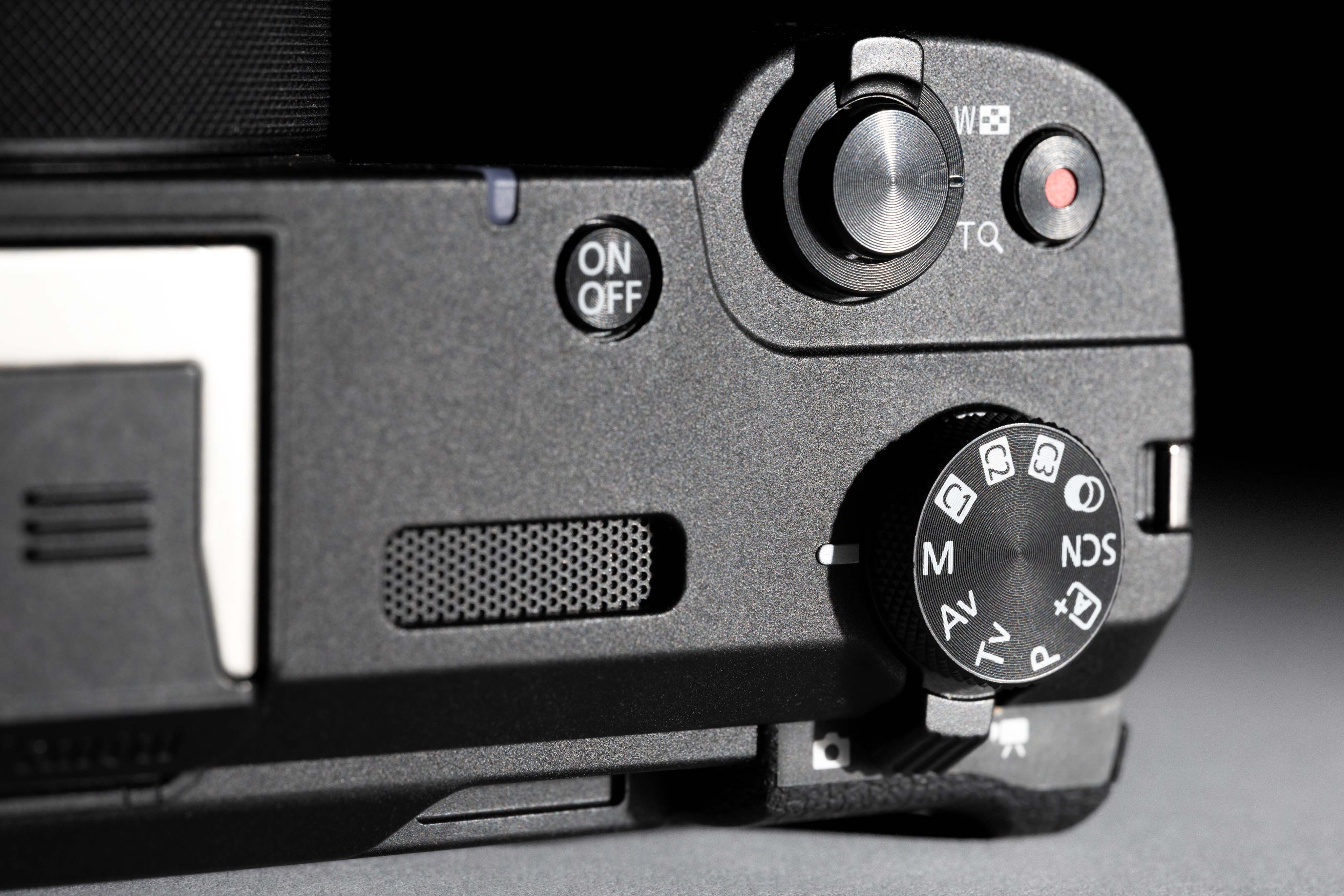
Used Canon PowerShot V1
Buttons and Dials
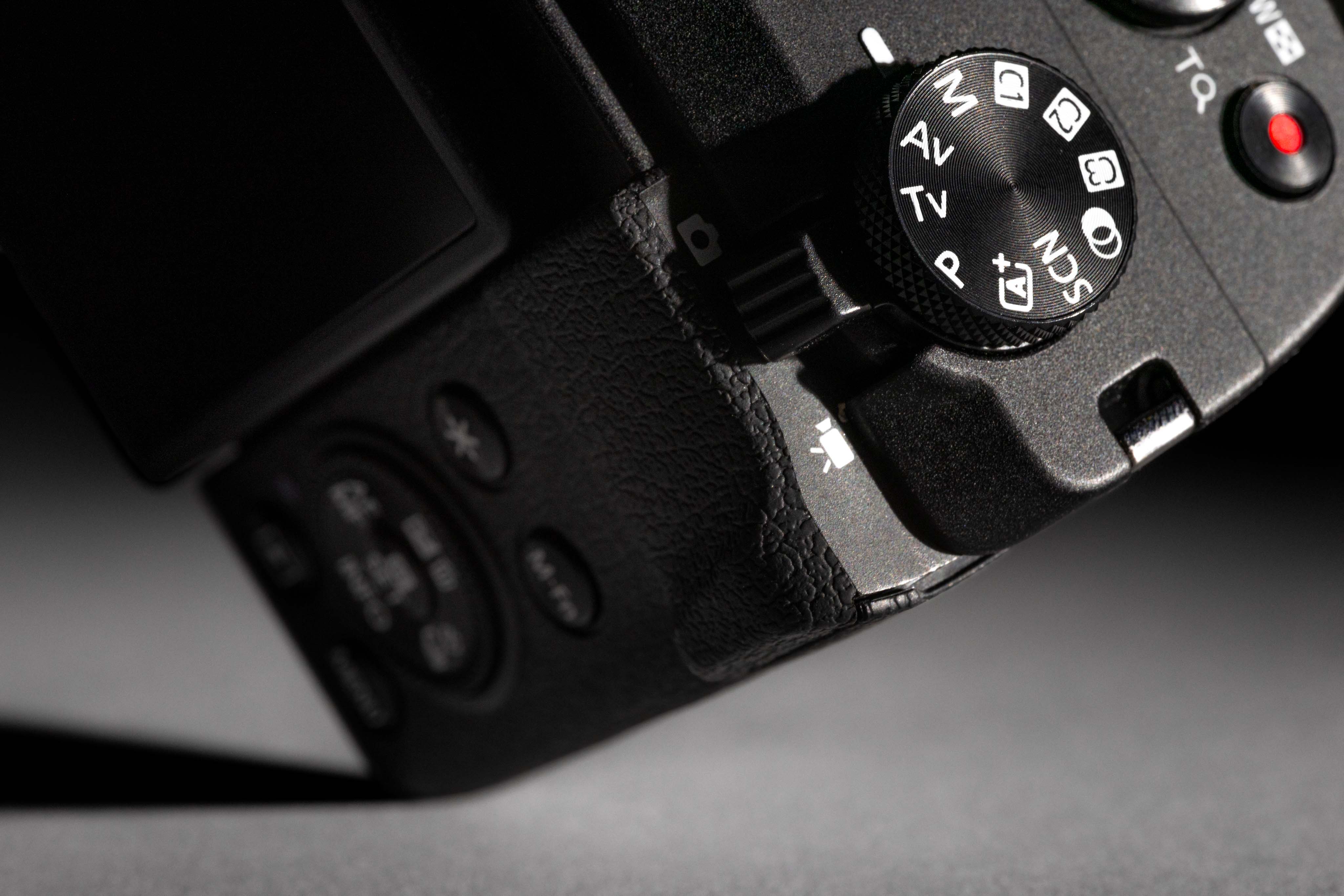
The buttons are intuitive and the menus are easy to navigate, especially if you’ve used Canon cameras before. On top of the camera is a standard shutter button with an attached zoom lever to control the 16-50mm (35mm equivalent) focal range, as well as an easy-to-access dedicated record button. There’s also a dedicated physical toggle right below the mode dial to switch between photo and video.
Ports include microphone and headphone jacks, USB-C, and micro HDMI. I mostly used external microphones, but the built-in audio is certainly usable and includes a small windscreen.
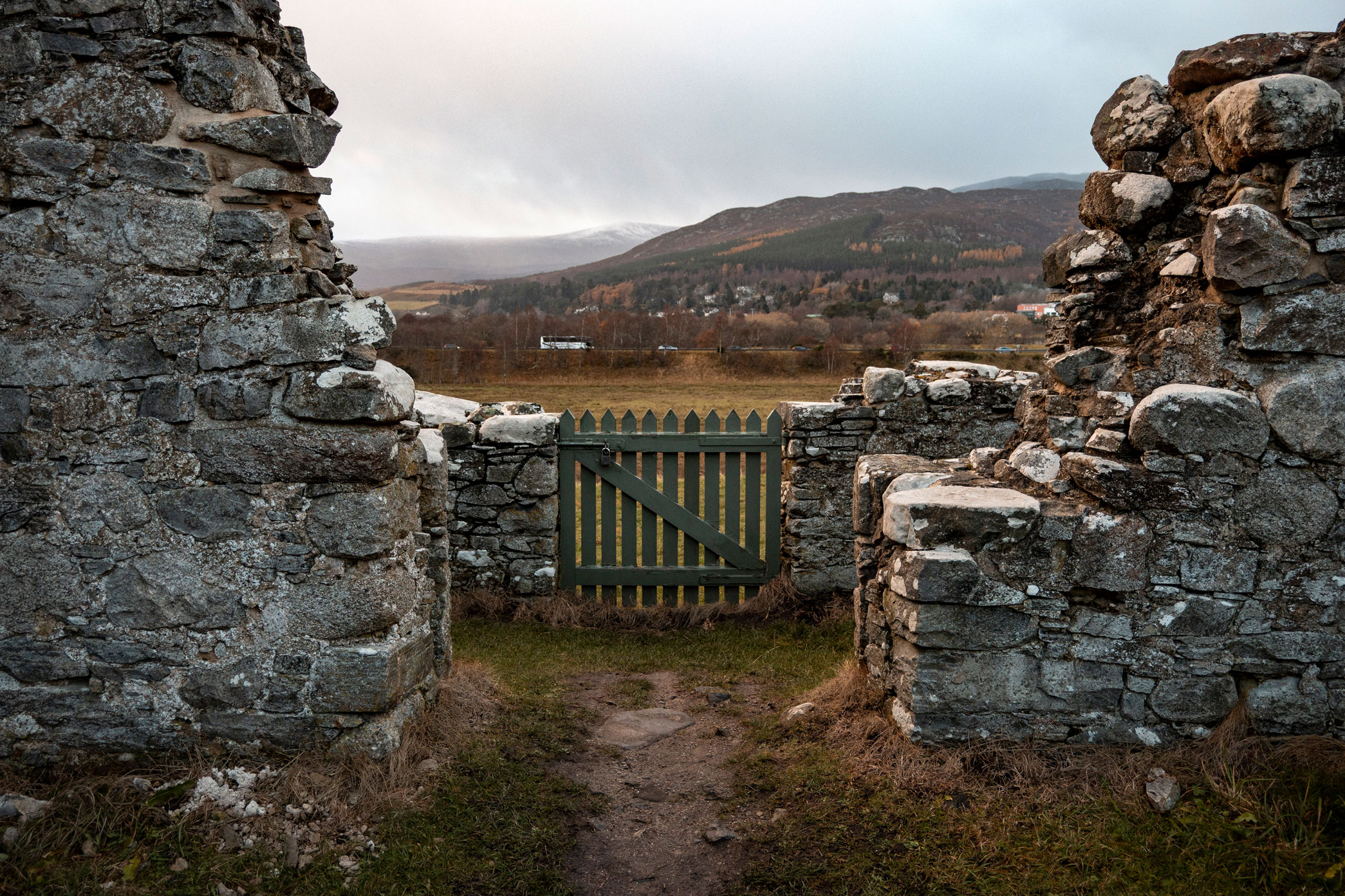
Kristi Townsend | Canon PowerShot V1 | f/4.5 | 1/160 | ISO 320
Trade-offs
No camera is 100% perfect, especially when it comes in such a compact package. The V1 is not weather sealed, which might not be a huge issue most days, but it’s something to keep in mind when traveling in colder, wetter climates. In Scotland, I always stored my camera in my waterproof jacket pocket when I wasn’t using it.
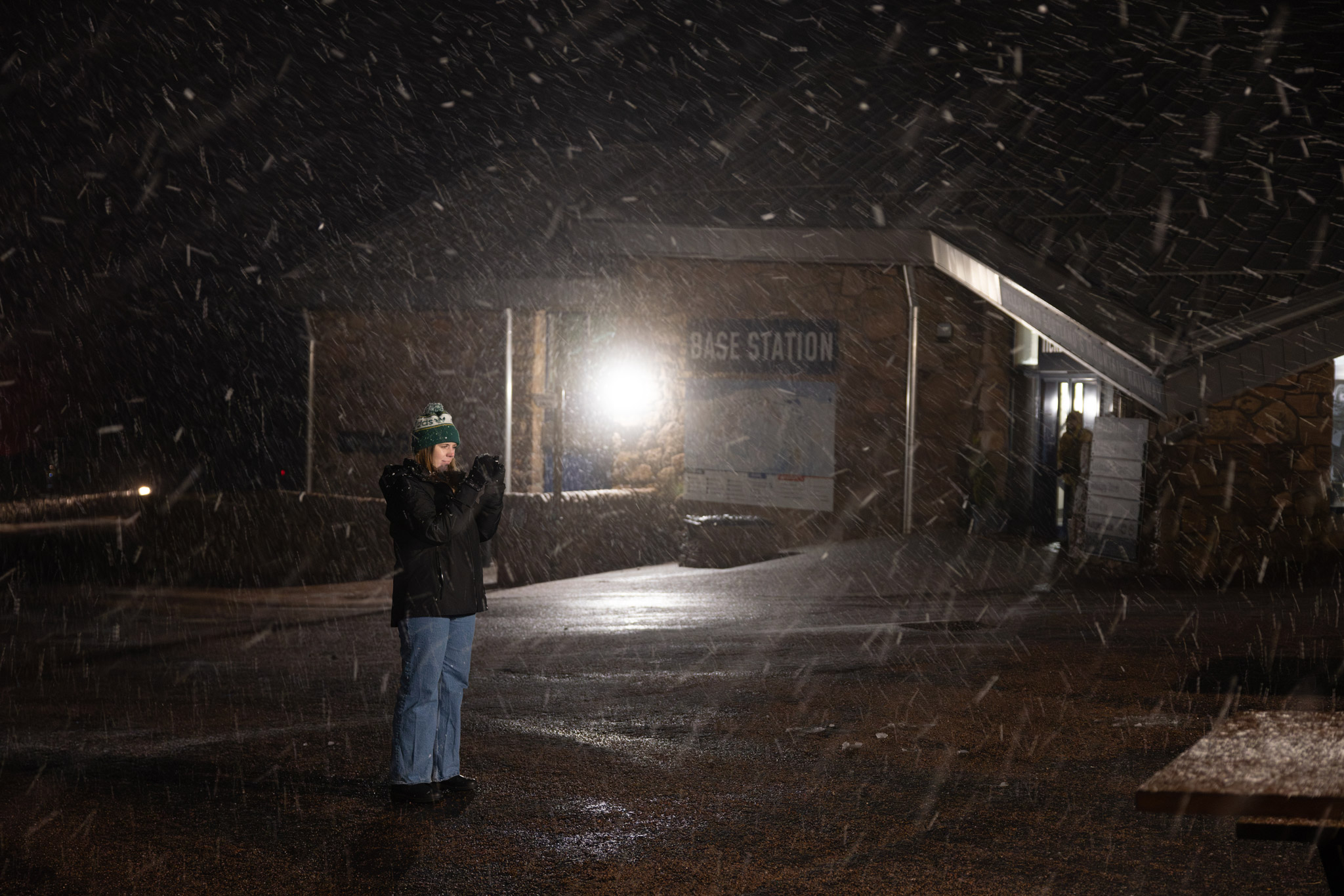
Canon PowerShot V1 in the field
There also is no viewfinder, meaning you rely entirely on the fully articulating rear screen in bright light. I didn’t have a problem seeing the screen in Scotland, but I generally find the lack of a viewfinder to be tough as someone from a photography background. For some, no viewfinder might even be a dealbreaker. If you need inspiration for alternatives, check out the top eight tiny cameras with viewfinders.
You do have a beautiful new built-in cooling fan, which fixes overheating problems past models had when shooting 4K (looking at you, Canon G7 X III). But with that addition, they removed the built-in flash in the name of saving space. You could always use an external flash on the multipurpose hot-shoe to achieve that vintage flash look, but that’s significantly more annoying to me than having it built into the body of the camera (like other compact options).
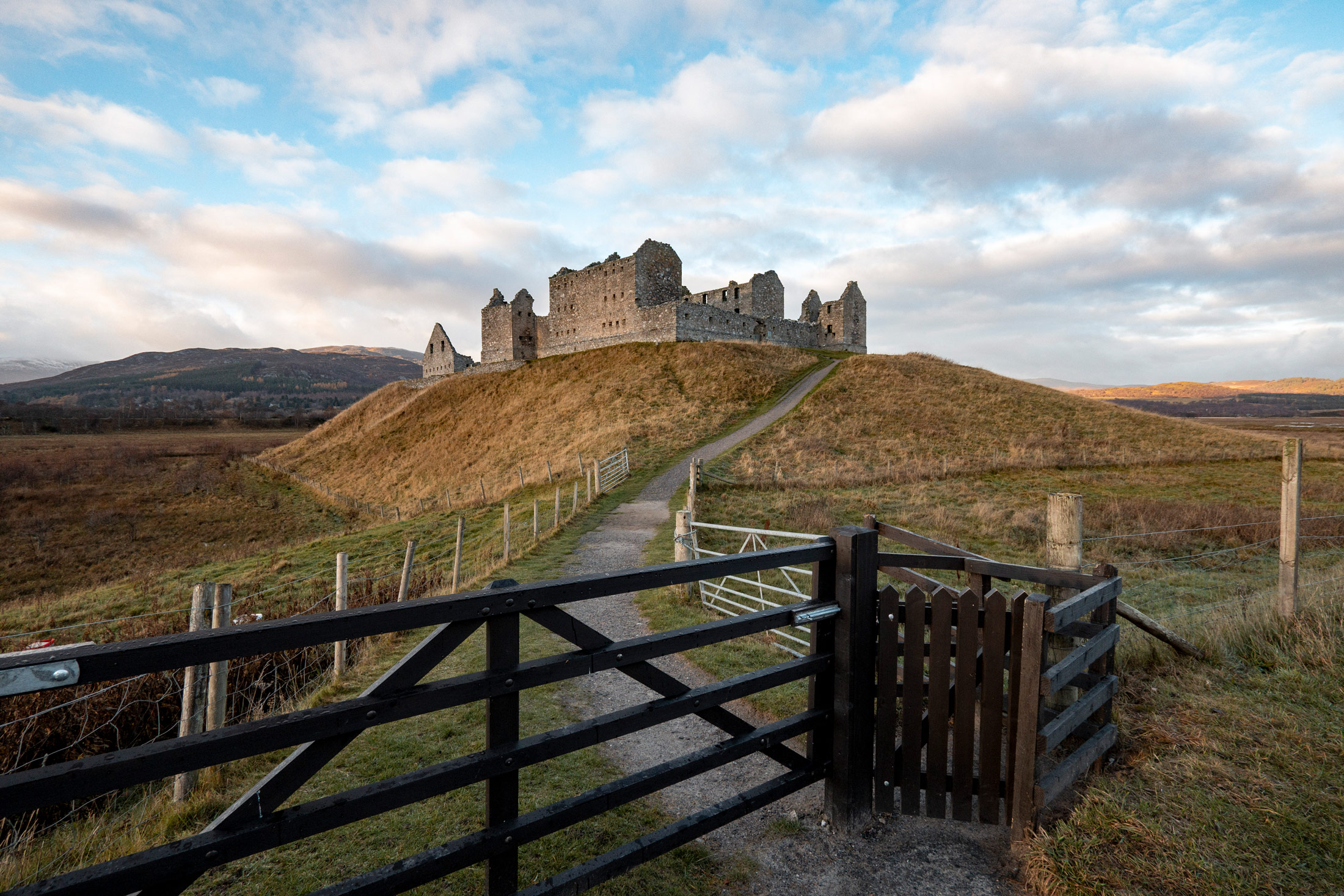
Kristi Townsend | Canon PowerShot V1 | f/4.5 | 1/400 | ISO 320
Canon PowerShot V1 Video Capabilities
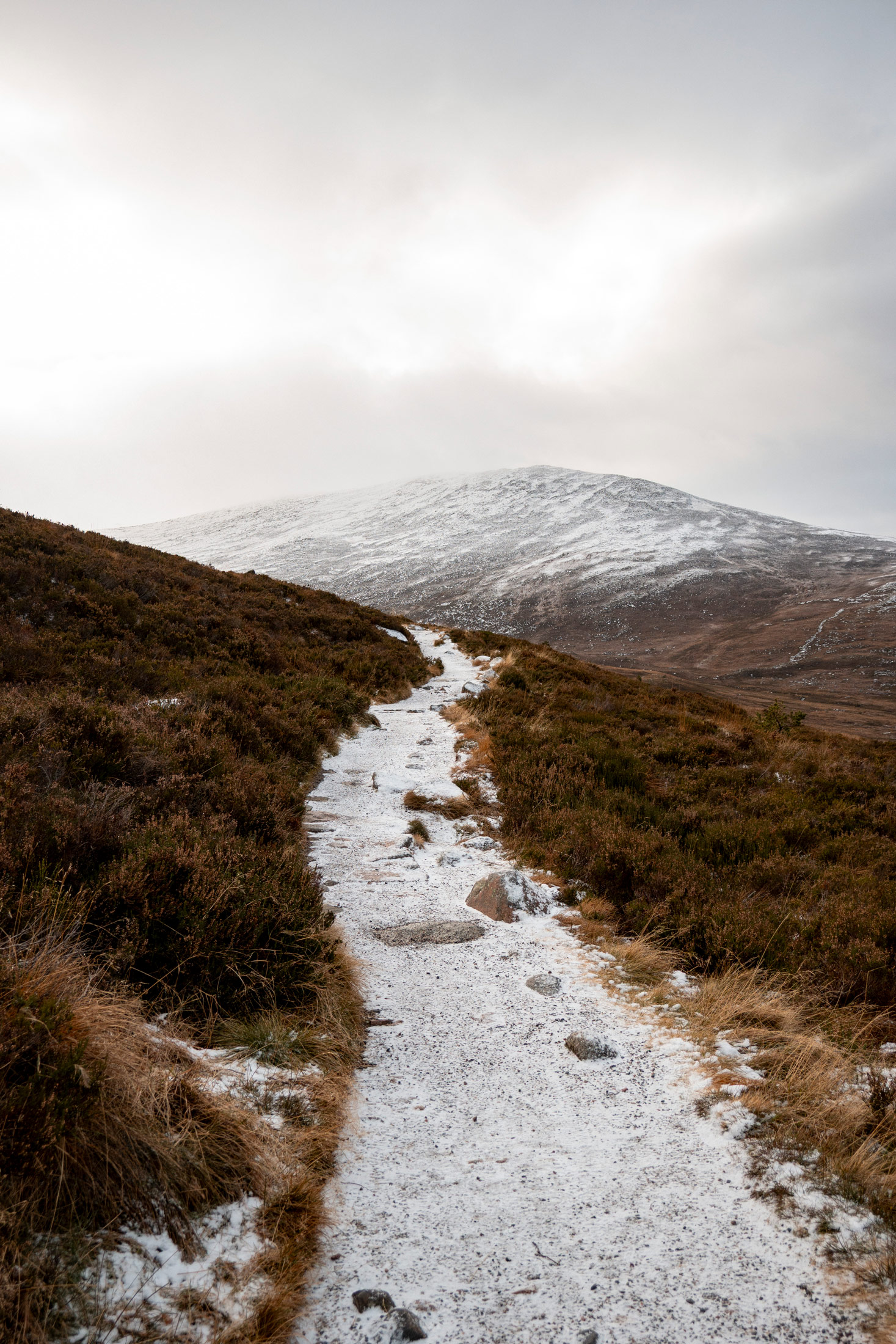
Video is clearly the main reason to buy the V1. This is a camera designed to make shooting video feel easy and unobtrusive. I primarily shot 4K at 24p throughout my trip, but you do have 4K video up to 30p (uncropped, oversampled), 4K at 60p (1.4x crop), and Full HD up to 120p for slow motion, so the flexibility is there for higher frame rates and capturing slow mo when needed.
Canon Log 3 gives plenty of opportunity for colour grading, and the built-in ND filters are a massive win for shooting outdoors. It takes some clicking around to turn ND filters on and off in the menu, but I solved that by assigning ND control to the custom buttons on the mode dial. I needed a physical switch to quickly enable and disable ND filters, especially when fumbling around in the cold with gloves.
Kristi Townsend | Canon PowerShot V1 | f/4.5 | 1/400 | ISO 250
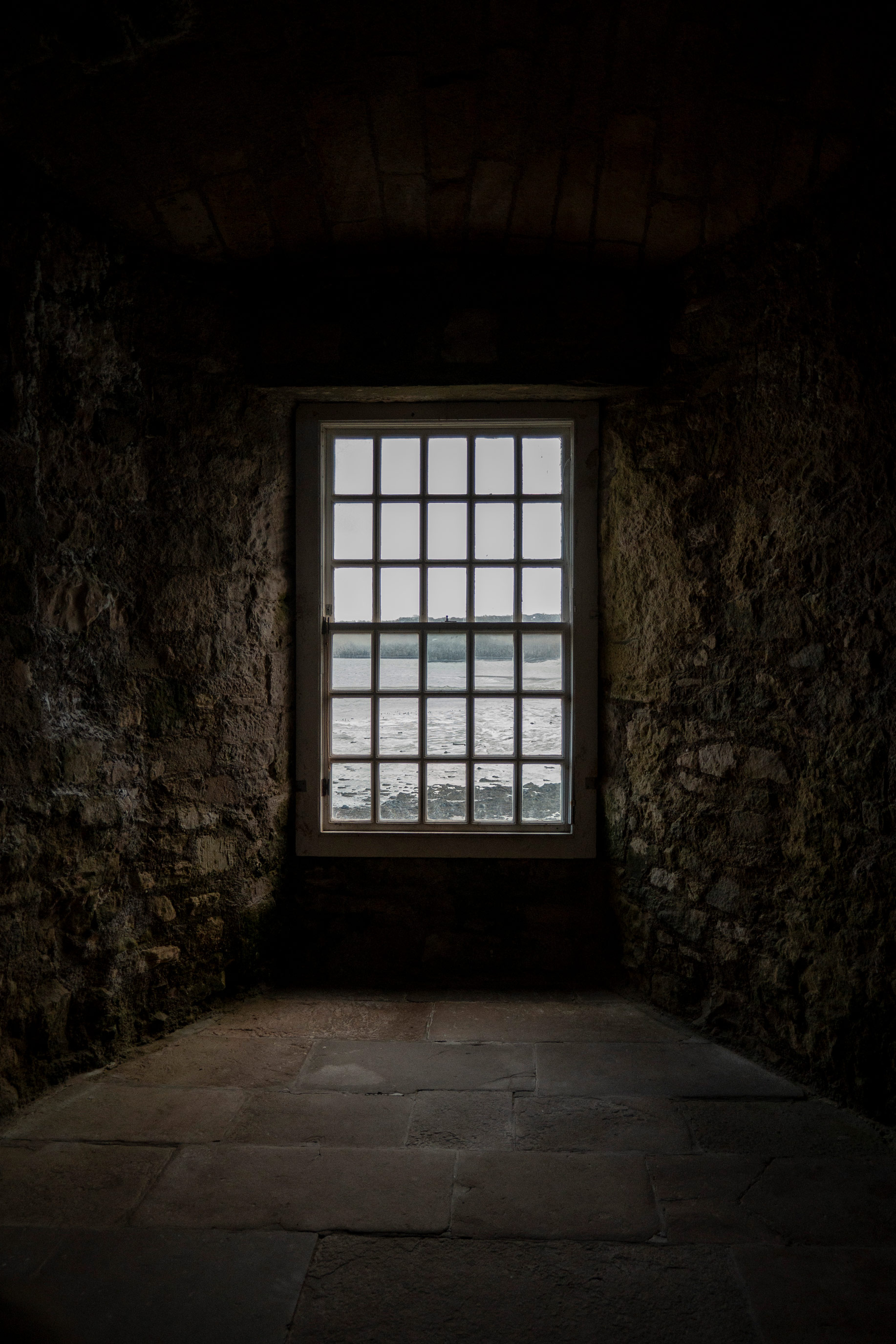
Stabilisation combines optical image stabilisation, digital movie stabilisation, and Subject Tracking Image Stabilisation, which prioritises stability around your subject even when they move off-centre.
Autofocus is handled by Canon Dual Pixel AF, with subject detection and tracking for people and animals. In real-world travel use, this reliability matters more than anything else. I thought the autofocus locked onto subjects just as well as some other Canon mirrorless cameras, like the Canon EOS R7 or the Canon EOS R6 Mark II.
Kristi Townsend | Canon PowerShot V1 | f/4 | 1/250 | ISO 500
Image Quality and Photography
Despite being marketed toward video creators, the Canon PowerShot V1 is a genuinely capable stills camera. The 22.3-megapixel sensor delivers plenty of resolution for social media, web use, and smaller prints, with noticeably better performance than smaller-sensor compact cameras.
Switching between photo and video is seamless with the switch at the top of the body next to the mode dial. The V1 also retains your exposure settings in photo and video mode, which makes hybrid shooting far less frustrating than with some other cameras. Nothing annoys me more than going back and forth changing settings every time I switch modes; that’s how I accidentally use the wrong shutter speed for the current frame rate.
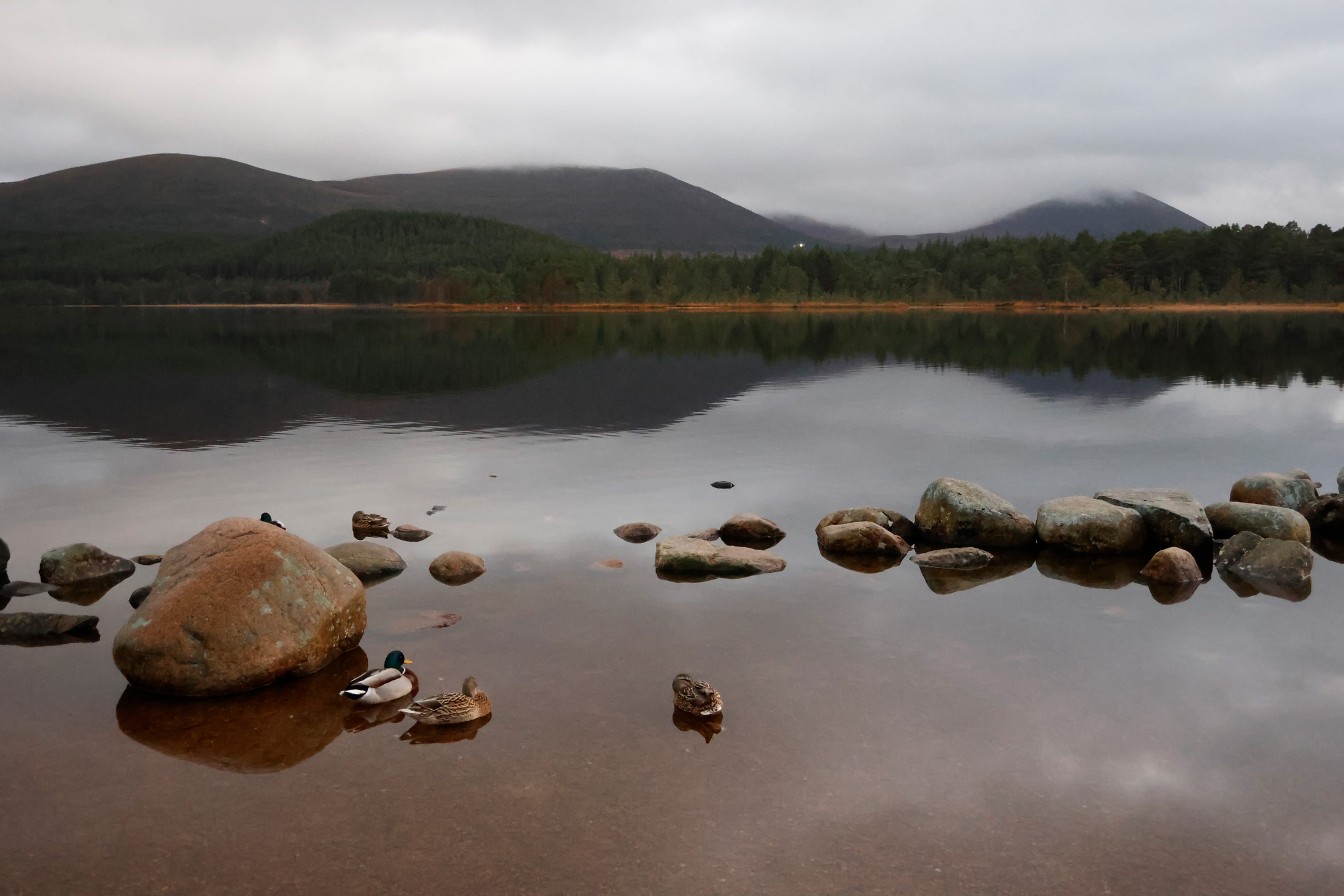
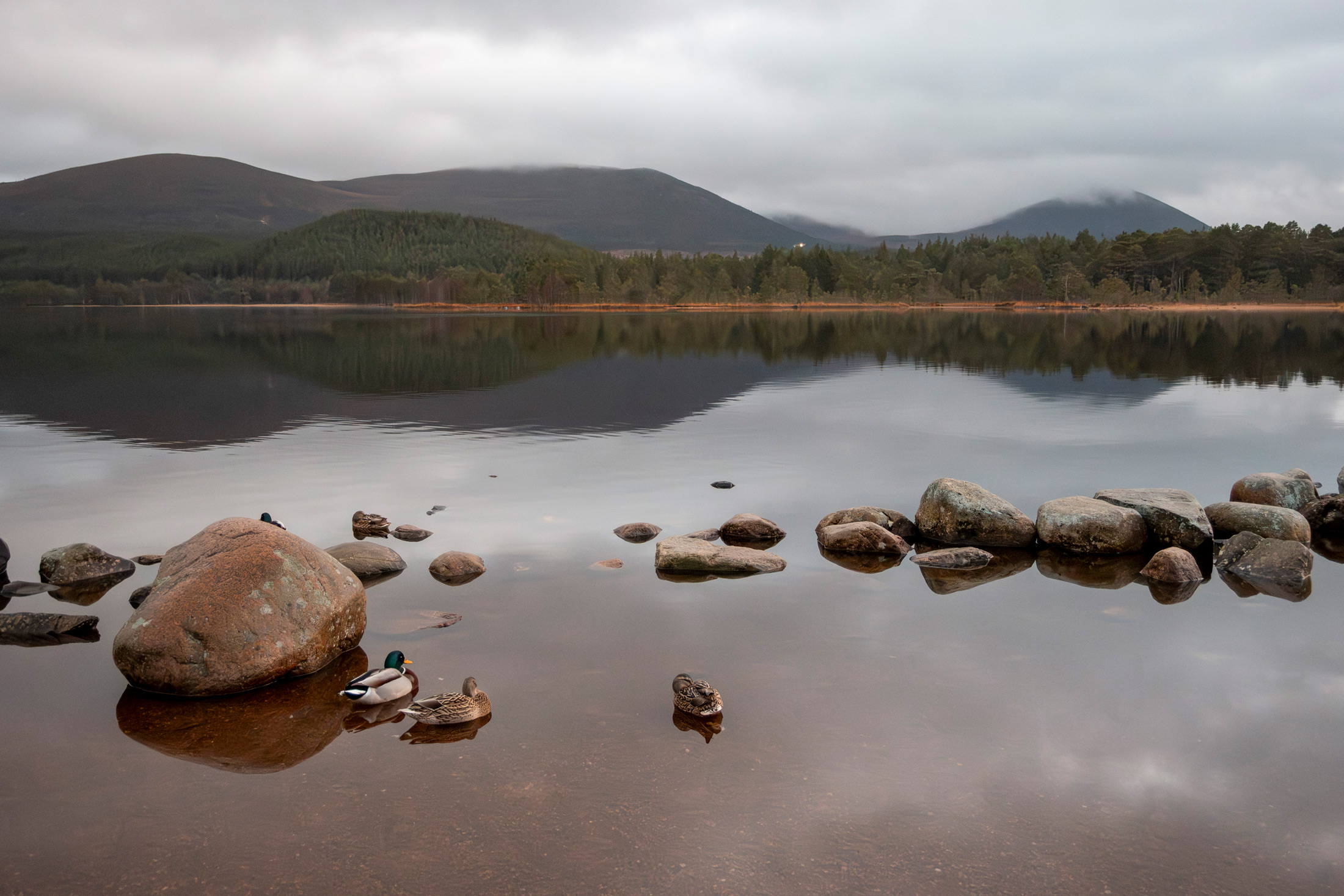
Auto Noise Comparison: Left RAW edited image, Right straight from the camera JPEG
I felt the low-light capabilities were fairly good for a compact camera. There is some fairly aggressive in-camera auto noise reduction on your JPEG images, so I much prefer shooting in RAW and reducing noise manually in post.
Shooting Performance
In everyday use, the V1 feels fast and responsive. Startup time is quick, autofocus locks on confidently, and the camera never feels like it gets in the way. Battery life held up well over long travel days with mixed photo and video use, though I still highly recommend carrying a spare battery or two.
One ergonomic drawback I noticed is the port placement on the grip side of the camera. If you have any cables attached like the Rode Wireless Pro I had, it can feel awkward shooting handheld. Using a small tripod or grip can solve that issue, and I thought the built-in audio was fairly good, so that might not pose a problem for you in practice.
Canon V1 Sample Images
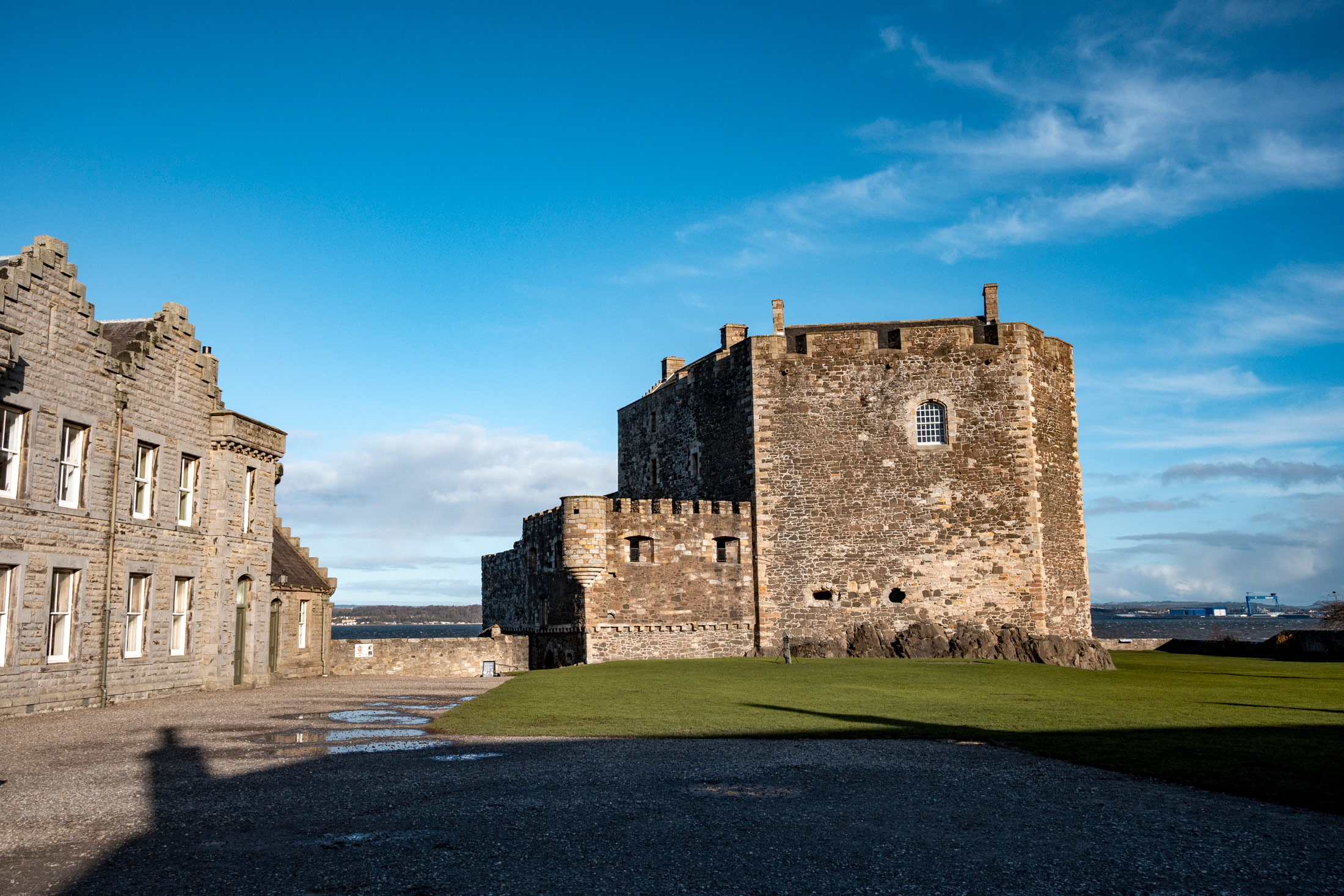
Kristi Townsend | Canon PowerShot V1 | f/5 | 1/1250 | ISO 160
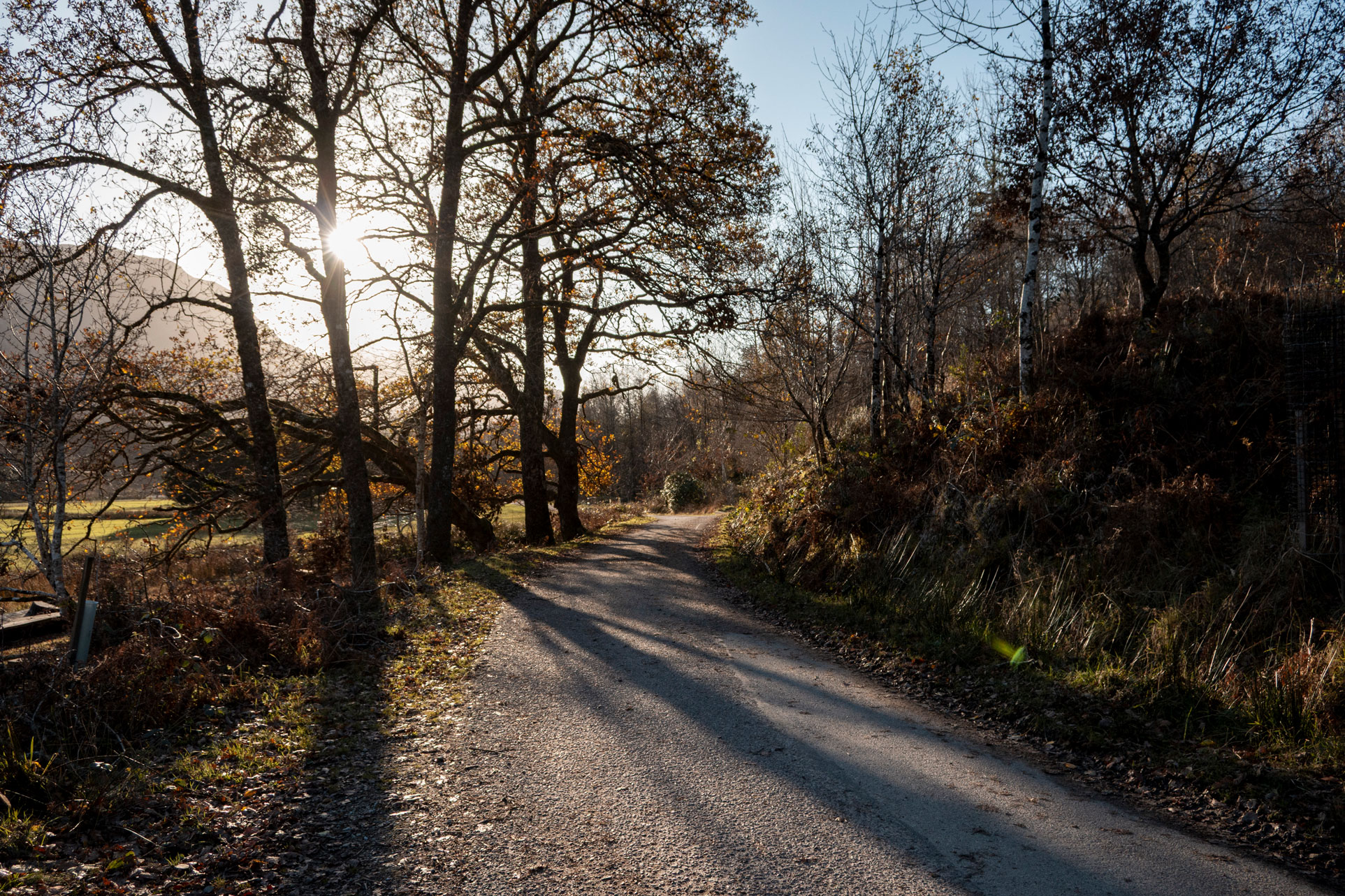
Kristi Townsend | Canon PowerShot V1 | f/5 | 1/800 | ISO 250

Kristi Townsend | Canon PowerShot V1 | f/4.5 | 1/160 | ISO 1000
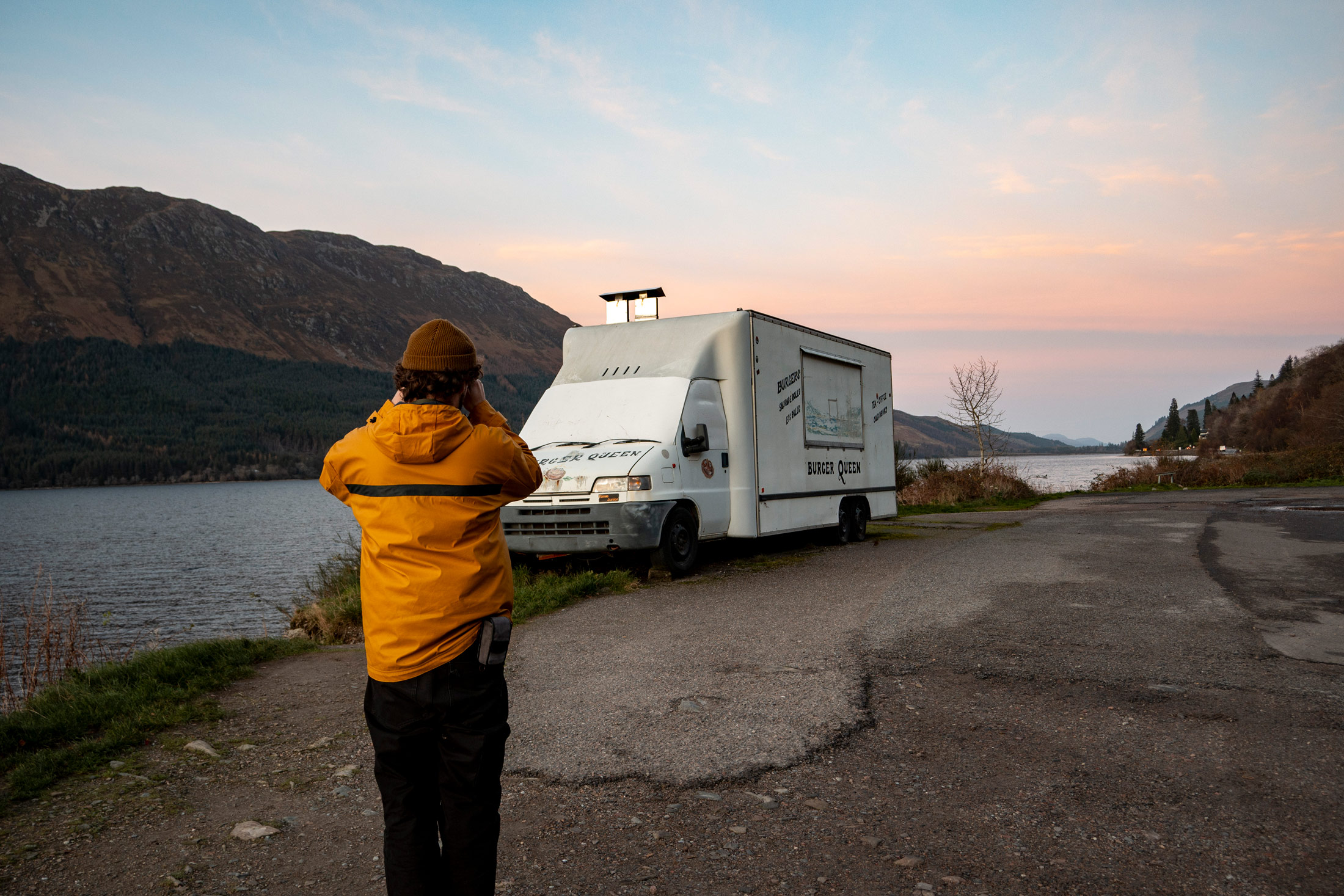
Kristi Townsend | Canon PowerShot V1 | f/5 | 1/20 | ISO 160
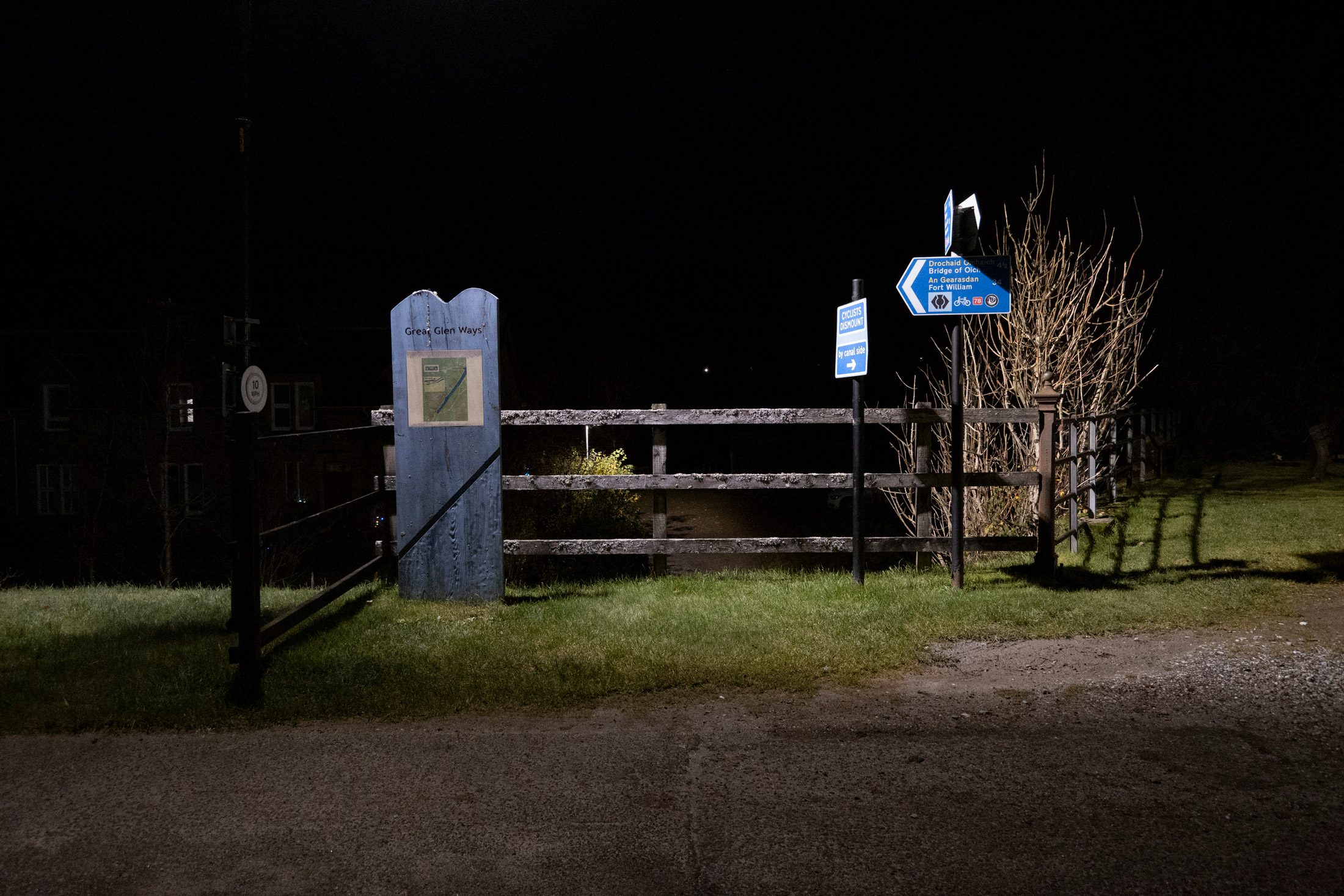
Kristi Townsend | Canon PowerShot V1 | f/4 | 1/10 | ISO 3200
Canon PowerShot V1 Alternatives
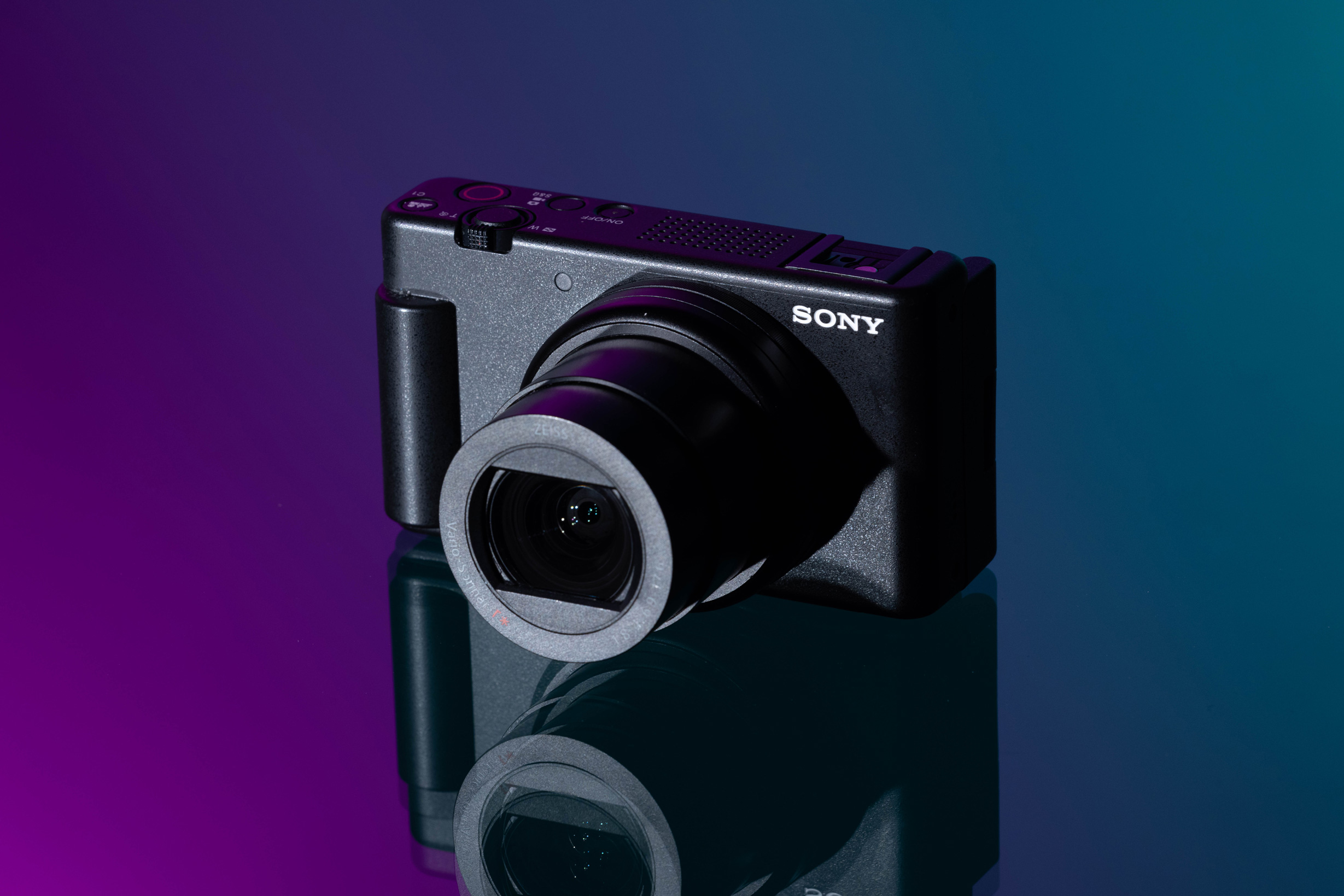
Sony ZV-1 II
Used Sony ZV-1 II
The Sony ZV-1 II is another great camera for vloggers and content creators wanting a small, easy-to-use camera that produces high-quality video and audio. It comes in a more compact body and faster aperture (f/1.8) at the wide end than the V1, but is limited to 4K/30p and 8-bit video.
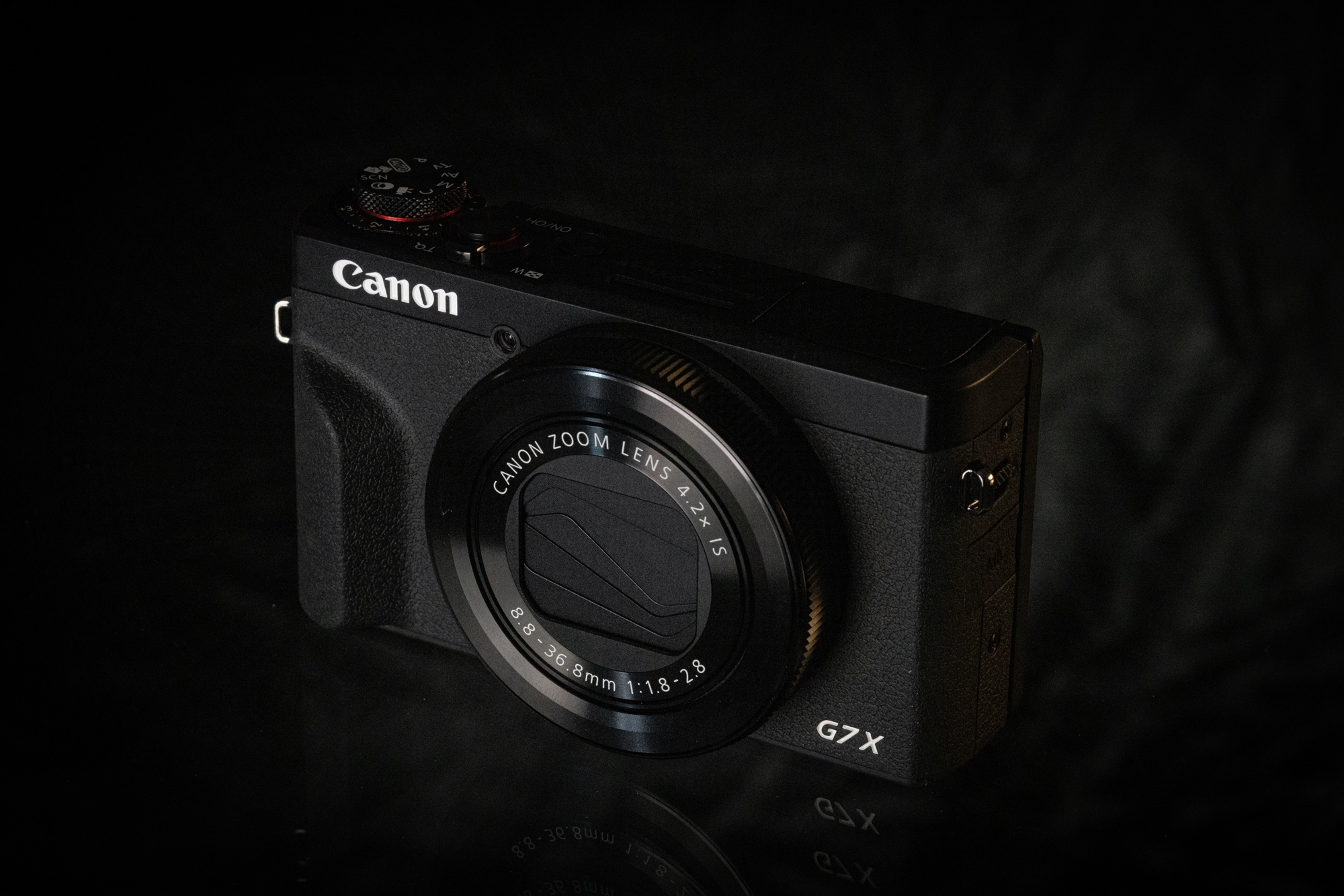
Canon G7 X Mark III
Used Canon PowerShot G7 X Mark III
The G7 X Mark III offers a longer zoom range and a built-in flash, but it uses a smaller sensor and suffers from overheating issues in 4K video. For video-first creators, the V1 is a clear upgrade, but someone focused on stills might prefer this model. Read our Canon G7 X III Compact Zoom Camera review.
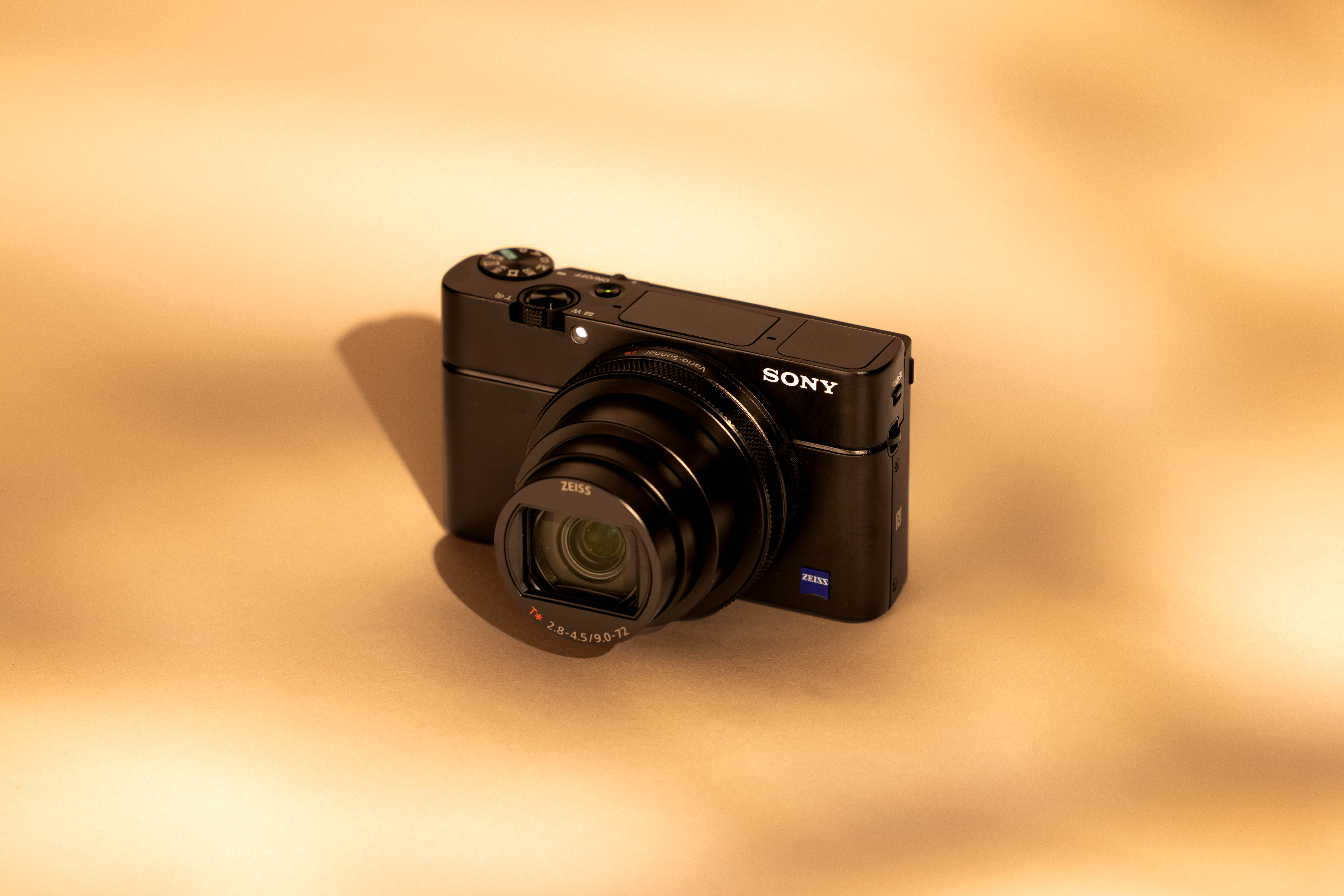
Sony RX100 VII
Used Sony RX100 VII
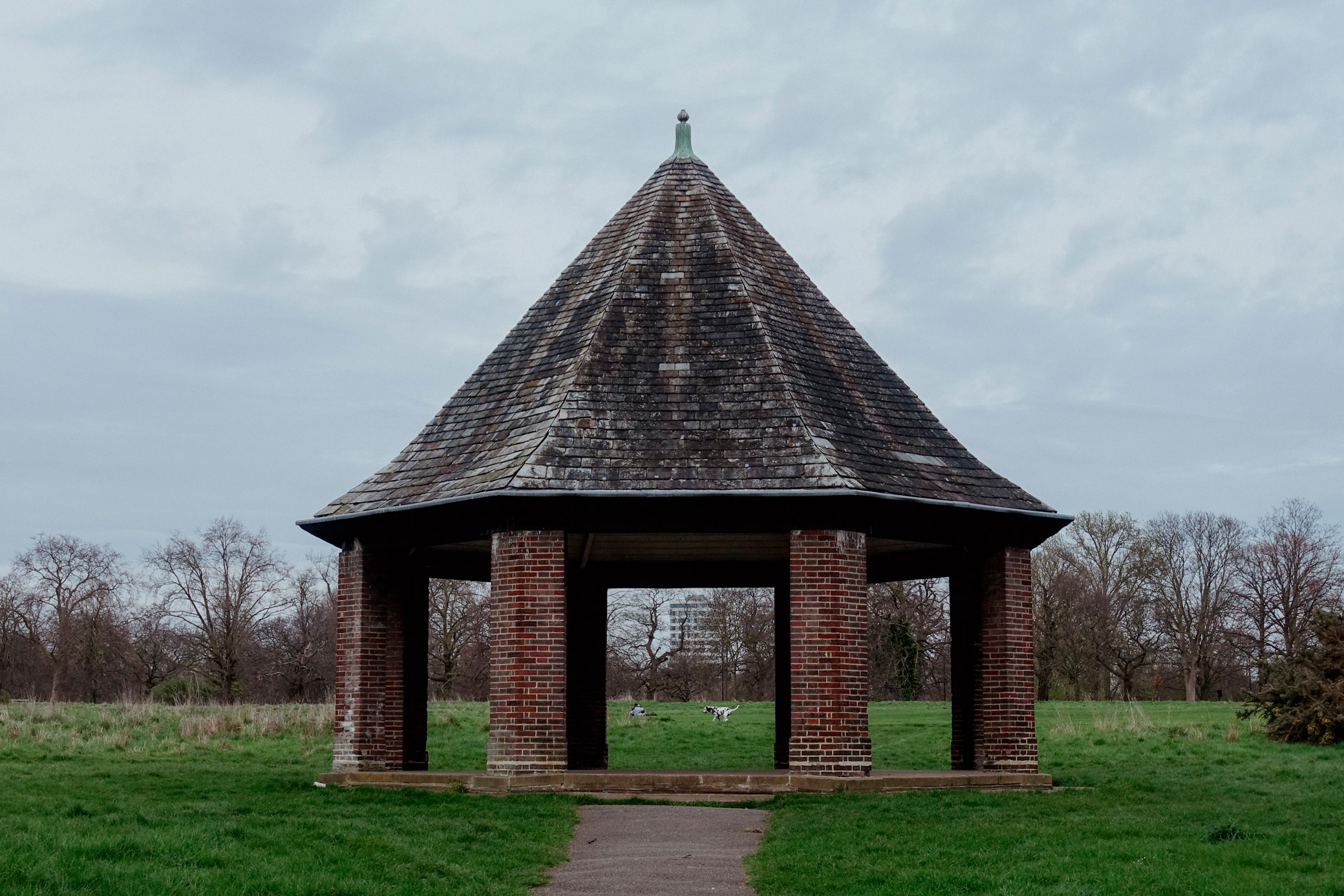
The Sony RX100 VII features an impressive 24–200mm equivalent zoom and excellent autofocus. I have a Sony RX100 Mark IV from the same series that’s over a decade old, and it still delivers great images and performance. These Sony cameras sport the ever-important built-in viewfinder and pop-up flash, with great photo and video performance, in an exceptionally compact package. (I could write a love letter about this series from Sony.)
Kristi Townsend | Sony RX100 IV | f/4 | 1/200 | ISO 125

Kristi Townsend | Sony RX100 IV | f/5.6 | 1/1000 | ISO 125
Who Is the Canon PowerShot V1 For?
The Canon PowerShot V1 is best for creators who want to move beyond their smartphone, or for travellers looking for a compact, video-centric camera that’s easy to carry and quick to use. Even more advanced Canon mirrorless users could appreciate and utilise this model as a B-cam. It is ideal for vloggers, casual filmmakers, and hybrid shooters who value convenience and reliability.
The Canon PowerShot V1 doesn’t do everything, and it’s not trying to. It’s a travel-friendly, video-first compact camera that makes it easy to record your life. The wide 16mm lens, strong video feature set, and large sensor make it a compelling option for creators who prioritise storytelling over gear complexity.
You can sell or trade your camera kit to MPB. Get a free instant quote, free insured shipping to MPB, and get paid within days.